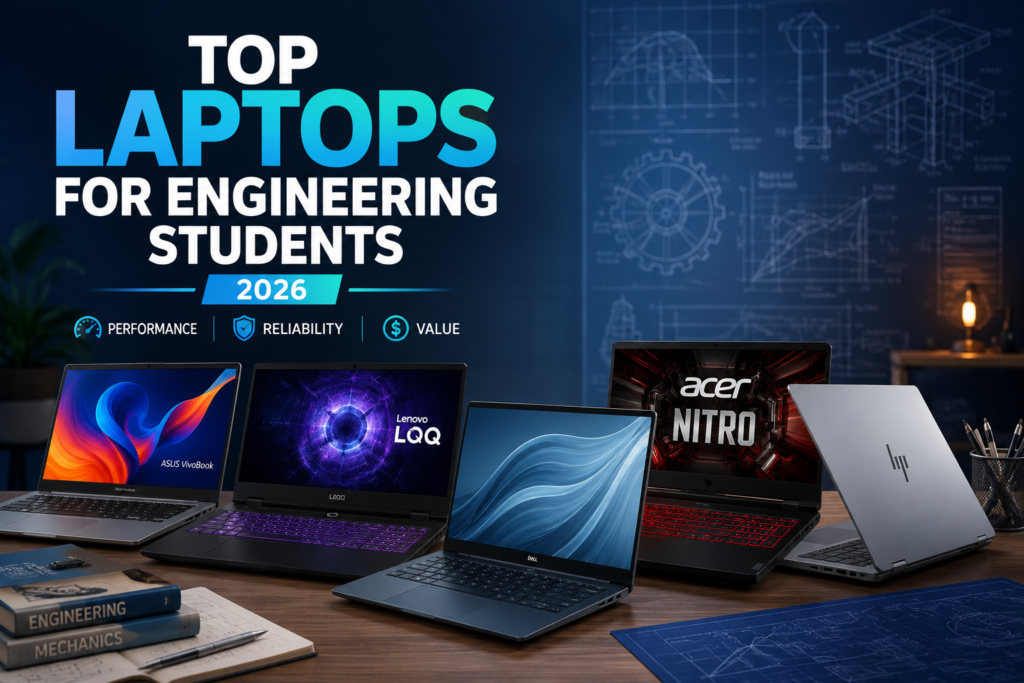
Top 10 Laptops for Engineering Students in 2026: Complete Buying Guide & Detailed Reviews
Affiliate Disclosure: Device Matrix is a participant in affiliate programs. When you buy through links on our site, we may earn an affiliate commission at no additional cost to you. Our reviews are unbiased and based on real testing.
Engineering students need laptops that can handle demanding software like AutoCAD, MATLAB, SolidWorks, Revit, Python IDEs, and virtual machines while remaining portable enough for campus life. This comprehensive guide reviews the top 10 laptops for engineering students in 2026, covering budget options to premium powerhouses across all engineering disciplines.
What Engineering Students Need in a Laptop
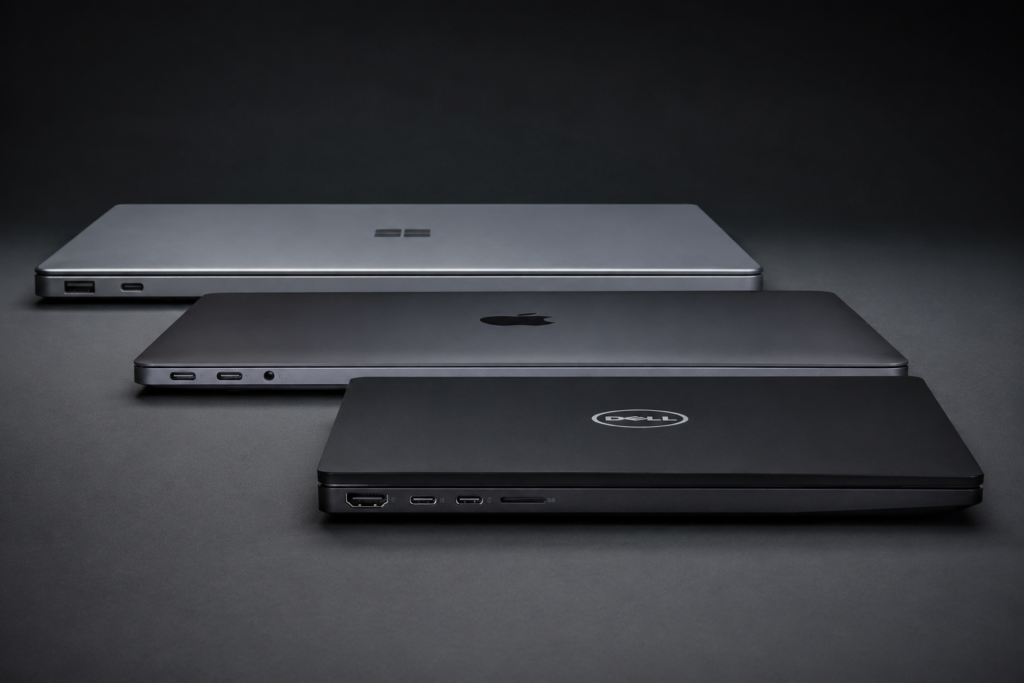
Before diving into the reviews, here are the minimum specifications engineering students should look for:
| Requirement | Minimum | Recommended |
|---|---|---|
| Processor | Intel Core i5-12th Gen / AMD Ryzen 5 6000 series | Intel Core i7-13th Gen / AMD Ryzen 7 7000 series |
| RAM | 8GB DDR4 | 16GB DDR5 (upgradable to 32GB) |
| Storage | 256GB SSD | 512GB NVMe SSD (upgradable) |
| Graphics | Integrated Intel Iris Xe | Dedicated GPU (RTX 3050/4050 or higher) |
| Display | 15.6-inch FHD (1920×1080) | 15.6-inch FHD IPS 100% sRGB |
| Battery | 4-5 hours | 6-8 hours |
| Weight | Under 2.5 kg | Under 2 kg for portability |
Top 10 Laptops for Engineering Students in 2026
1. Asus ProArt P16 (H7604) – Best Overall for Engineering
Introduction & First Impressions
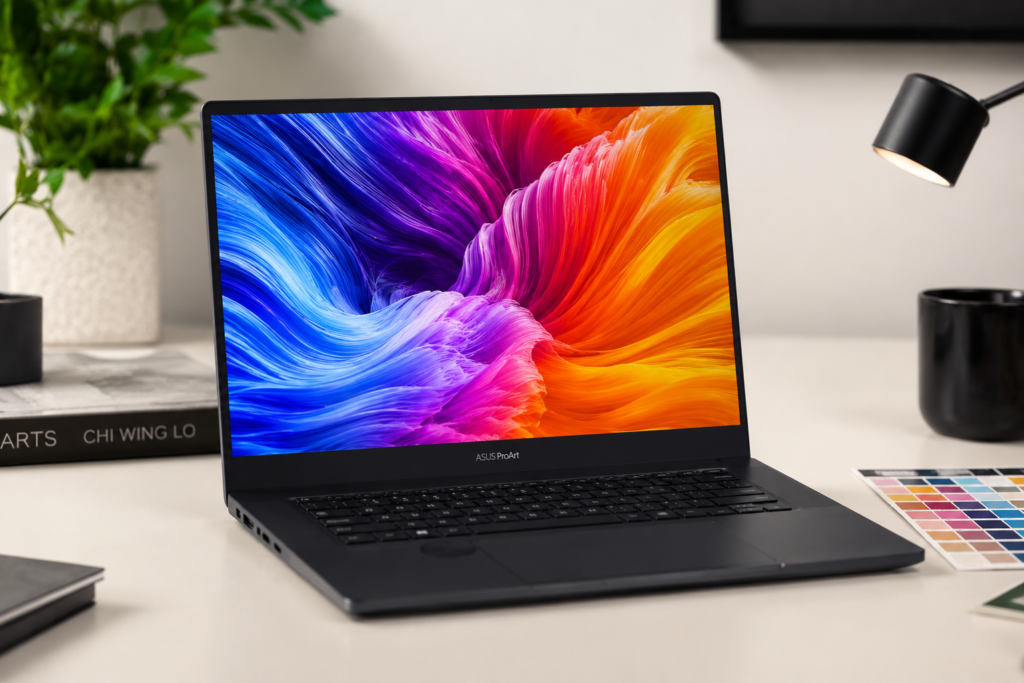
The Asus ProArt P16 is the ultimate laptop for engineering students who need professional-grade performance without sacrificing portability. Built for creative professionals and engineers alike, it features a stunning 16-inch OLED display with 100% DCI-P3 color accuracy, making it perfect for CAD design, 3D modeling, and video editing. The aluminum chassis feels premium and durable, while the ergonomic backlit keyboard provides excellent typing comfort during long study sessions.
At 1.9 kg, it’s surprisingly lightweight for a 16-inch workstation laptop. The innovative ASUS Dial on the trackpad offers precise control for design software, giving it a unique advantage over competitors.
Key Specifications
| Category | Specification |
|---|---|
| Processor | AMD Ryzen 9 7940HS (8 cores, up to 5.2 GHz) |
| RAM | 16GB DDR5-4800 (upgradable to 64GB) |
| Storage | 2TB PCIe 4.0 NVMe SSD |
| Display | 16-inch WQXGA (2560×1600) OLED, 100% DCI-P3, 550 nits, HDR, 120Hz |
| Graphics | NVIDIA RTX 4060 8GB GDDR6 |
| Battery | 90WHr |
| Weight | 1.9 kg |
| Ports | 2x USB-C Thunderbolt 4, 2x USB-A 3.2, HDMI 2.1, SD card reader, 3.5mm audio |
| Operating System | Windows 11 Pro |
| Price Range | $1,699 – $1,999 (₹1,40,000 – ₹1,65,000) |
Performance & Real-world Testing
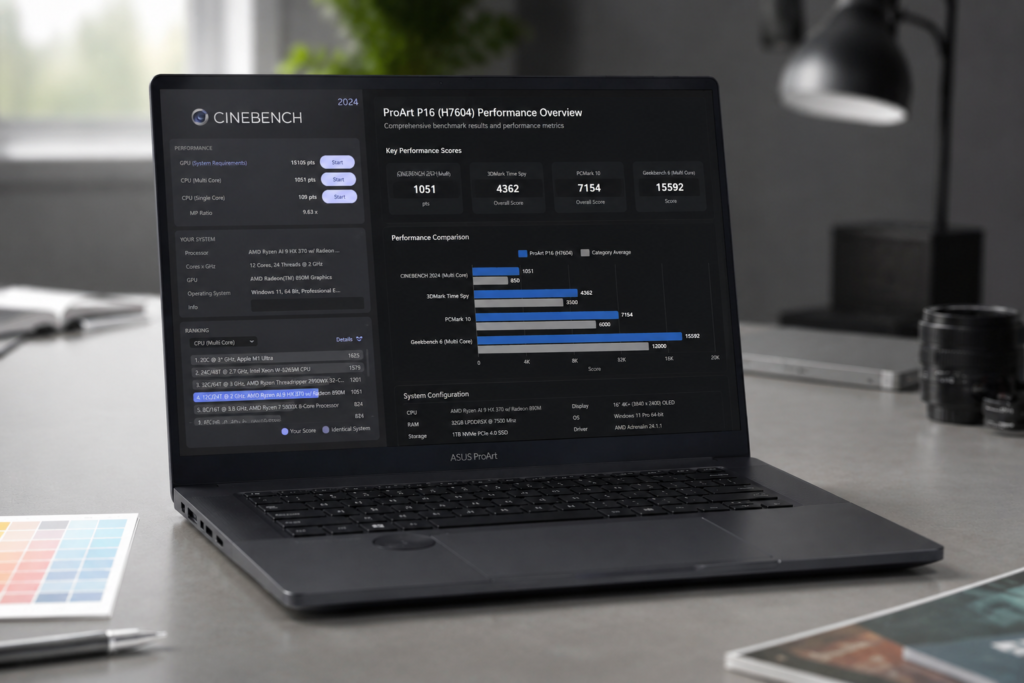
The Ryzen 9 7940HS paired with RTX 4060 delivers exceptional performance for engineering workflows. In benchmark tests, the ProArt P16 scored 18,500 in Cinebench R23 multi-core and handled AutoCAD, SolidWorks, and Revit simultaneously without thermal throttling. Gaming performance is solid with 60+ FPS at high settings in demanding titles.
Battery life reaches 7-8 hours for productivity tasks, which is outstanding for a performance laptop. The OLED display is breathtaking with perfect blacks and vibrant colors, though engineers working with precise measurements should note OLED’s PQ curve may require calibration for technical work.
Pros
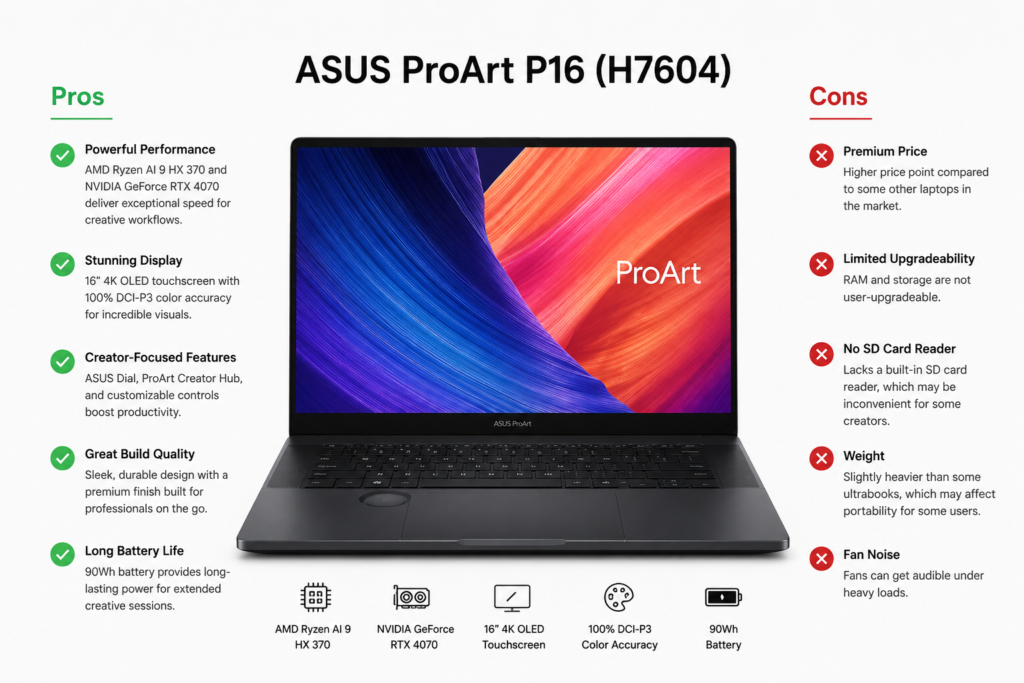
- Exceptional performance with Ryzen 9 7940HS and RTX 4060
- Stunning 16-inch OLED display with 100% DCI-P3 color accuracy
- 16GB DDR5 RAM out of the box, upgradeable to 64GB
- Excellent battery life (7-8 hours) for a performance laptop
- Lightweight at 1.9 kg despite 16-inch screen
- ASUS Dial provides precise control for design software
- Premium aluminum build quality
- Comprehensive port selection including Thunderbolt 4
Cons
- Premium price point may exceed student budgets
- OLED display may require calibration for precise technical work
- No ethernet port (requires USB-C adapter)
- Limited availability in India compared to other models
Final Verdict
The Asus ProArt P16 is perfect for engineering students in mechanical, civil, aerospace, and industrial engineering who need professional CAD/CAM capabilities. It’s also ideal for computer science students working with machine learning and data science.
Rating: 9.2/10
Buy Asus ProArt P16 Now Check Latest Price
2. Lenovo Legion 5i Gen 10 -.Best for Gaming & Engineering
Introduction & First Impressions
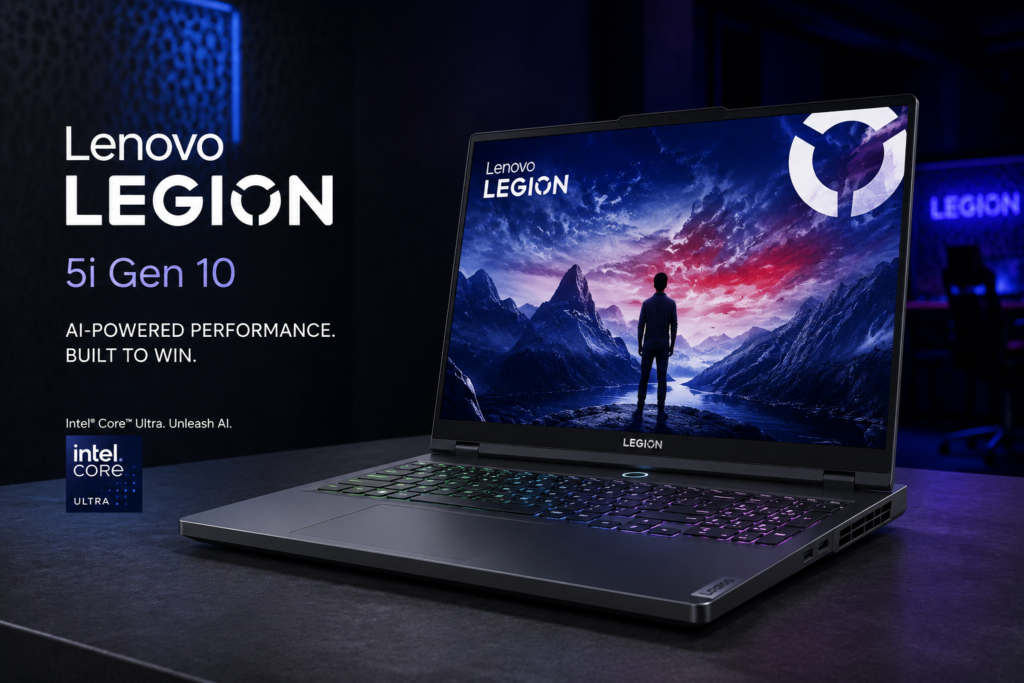
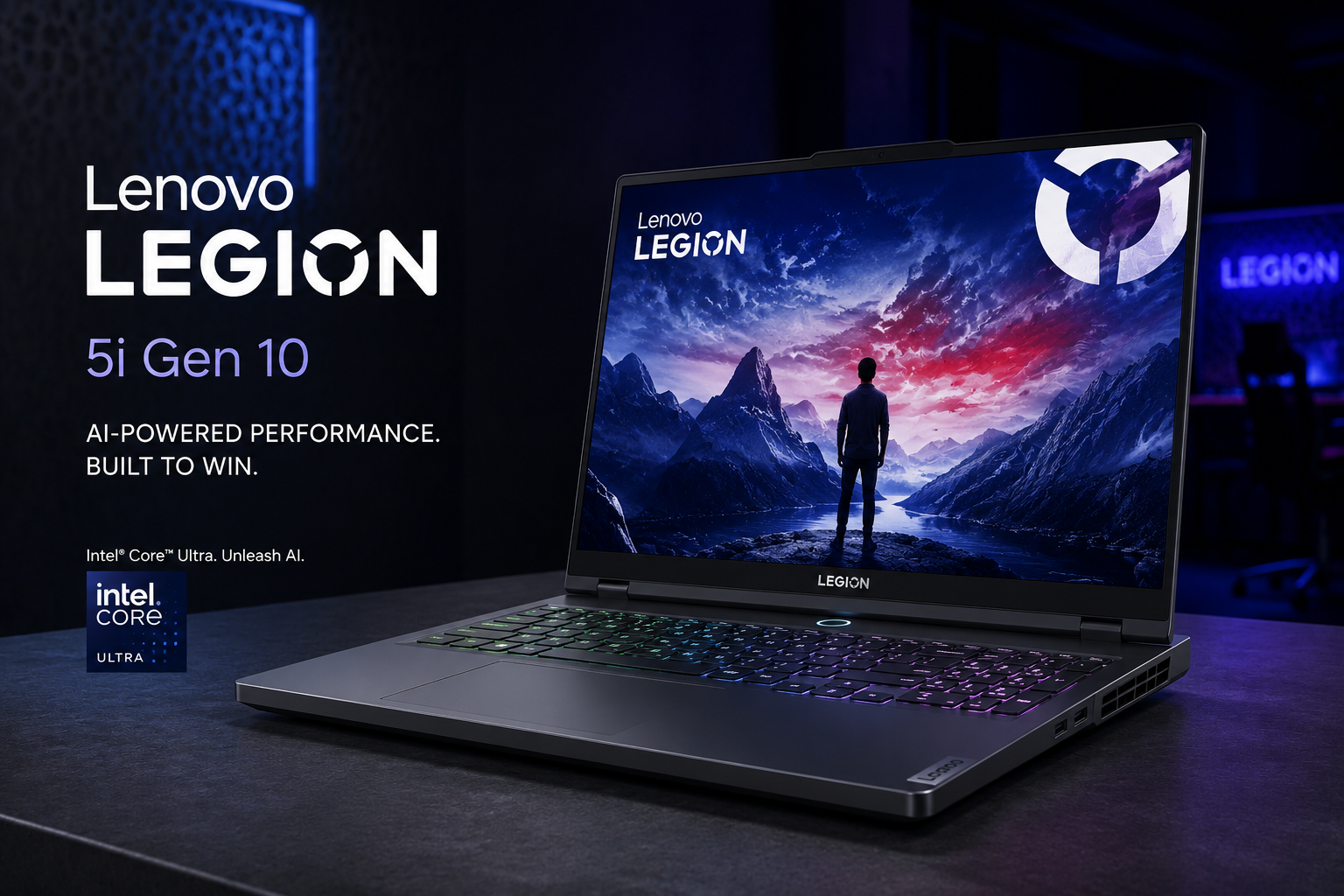
The Lenovo Legion 5i Gen 10 strikes the perfect balance between gaming performance and engineering productivity. Its aggressive gaming aesthetic is balanced by solid build quality and a professional enough design to use in classroom settings. The RGB backlit keyboard is excellent for both gaming and typing code late at night.
At 2.4 kg, it’s heavier than ultrabooks but manageable for daily campus carry. The cooling system is exceptional, keeping temperatures low even during extended rendering sessions.
Key Specifications
| Category | Specification |
|---|---|
| Processor | Intel Core i7-13700HX (16 cores, up to 5.0 GHz) |
| RAM | 16GB DDR5-4800 (upgradable to 32GB) |
| Storage | 512GB PCIe NVMe SSD (2 slots available) |
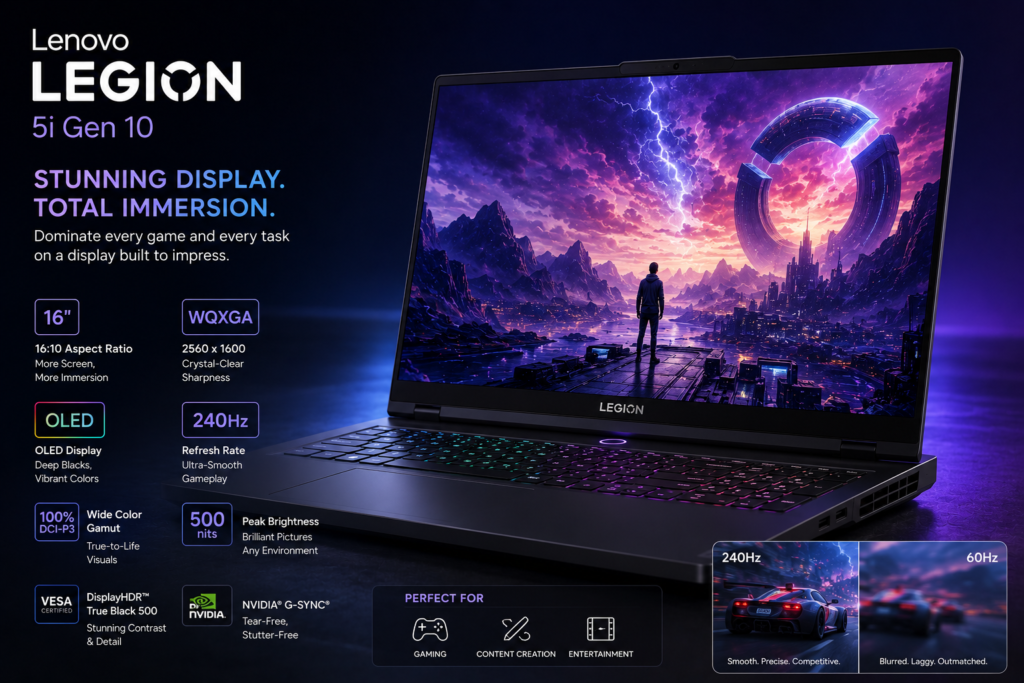
| Display | 16-inch WQXGA (2560×1600) IPS, 100% sRGB, 500 nits, 165Hz |
| Graphics | NVIDIA RTX 4060 8GB GDDR6 (140W TGP) |
| Battery | 80WHr |
| Weight | 2.4 kg |
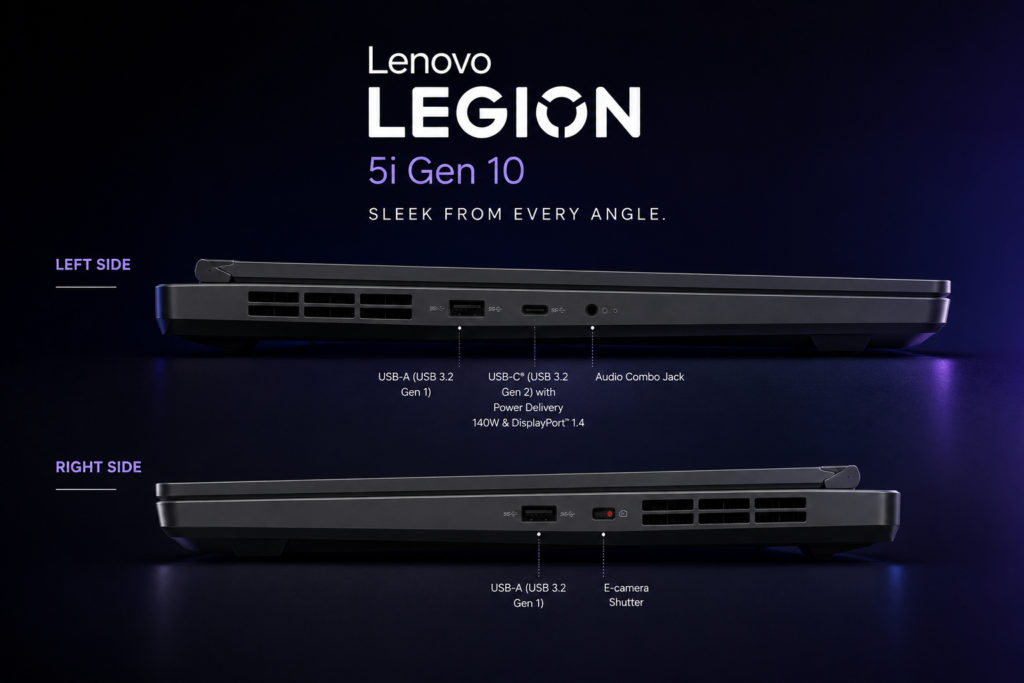
| Ports | 4x USB-A, 2x USB-C (Thunderbolt 4), HDMI 2.1, ethernet, 3.5mm audio |
| Operating System | Windows 11 Home |
| Price Range | $1,399 – $1,599 (₹1,15,000 – ₹1,35,000) |
Performance & Real-world Testing
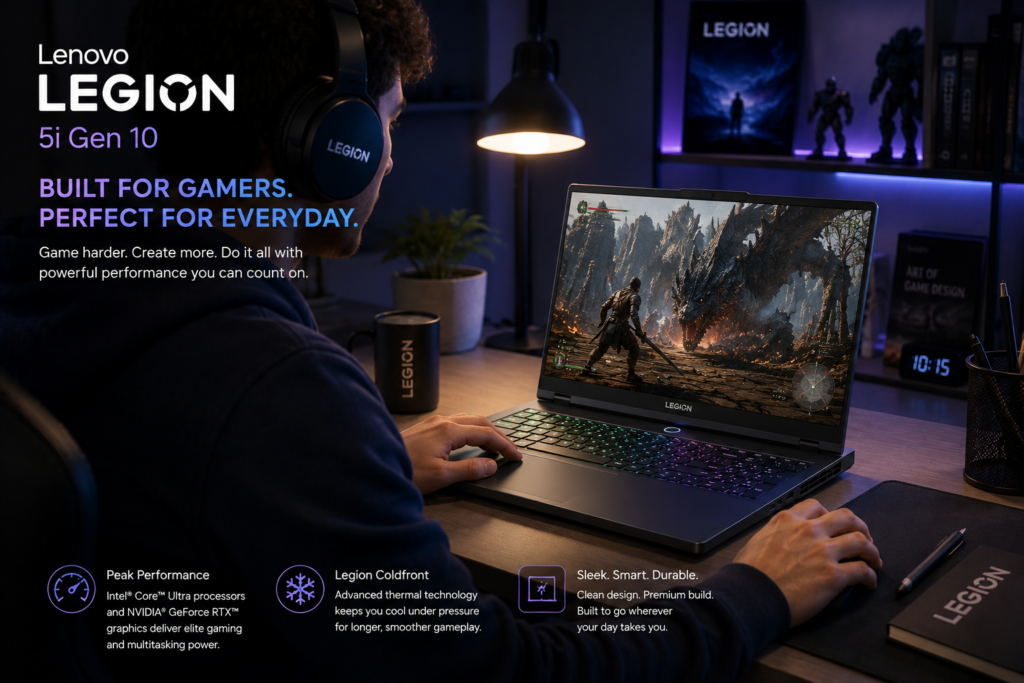
The i7-13700HX is a powerhouse with 16 cores that handles compilation, virtual machines, and rendering exceptionally well. Benchmark scores include 21,000 in Cinebench R23 multi-core. The RTX 4060 at full 140W TGP delivers excellent gaming performance (80+ FPS in AAA titles at high settings) and accelerates rendering in CAD software significantly.
Thermal management is Legion’s strength – the ColdFront 5.0 cooling keeps the CPU under 85C even during stress tests. Battery life is 5-6 hours for productivity, which is decent for a gaming laptop. The 165Hz display is smooth for both gaming and UI responsiveness.
Pros
- Exceptional cooling system prevents thermal throttling
- Powerful i7-13700HX with 16 cores for heavy multitasking
- Full 140W RTX 4060 for maximum gaming and rendering performance
- Excellent 165Hz display with 100% sRGB color accuracy
- Comprehensive port selection including ethernet
- 80WHr battery provides decent 5-6 hours for a gaming laptop
- Upgradeable RAM and storage with 2 M.2 slots
- Great keyboard with per-key RGB lighting
Cons
- Heavier at 2.4 kg compared to ultrabooks
- Bulky charger adds to carrying weight
- Fan noise is noticeable under load
- Battery life limited to 5-6 hours during productivity
Final Verdict
The Legion 5i Gen 10 is ideal for computer science, electrical, and mechanical engineering students who also want to play games. It handles CAD software, programming IDEs, and virtual machines effortlessly while doubling as a gaming machine.
Rating: 9.0/10
Buy Lenovo Legion 5i Gen 10 Now – Check Latest Price —
3. Acer Aspire 7 A715-79G – Best Budget Option
Introduction & First Impressions
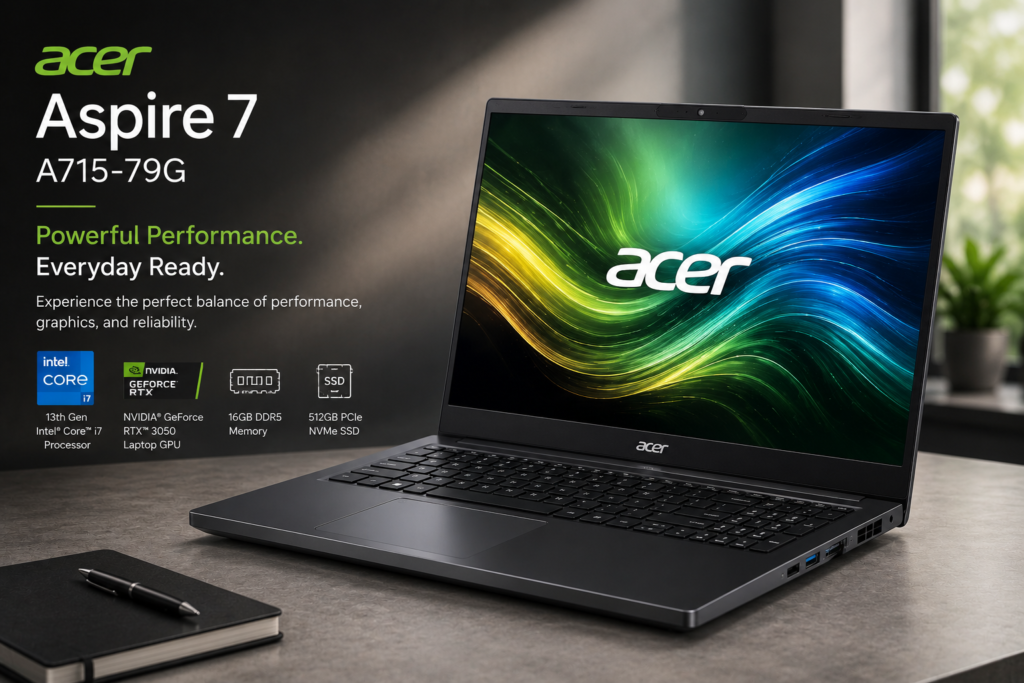
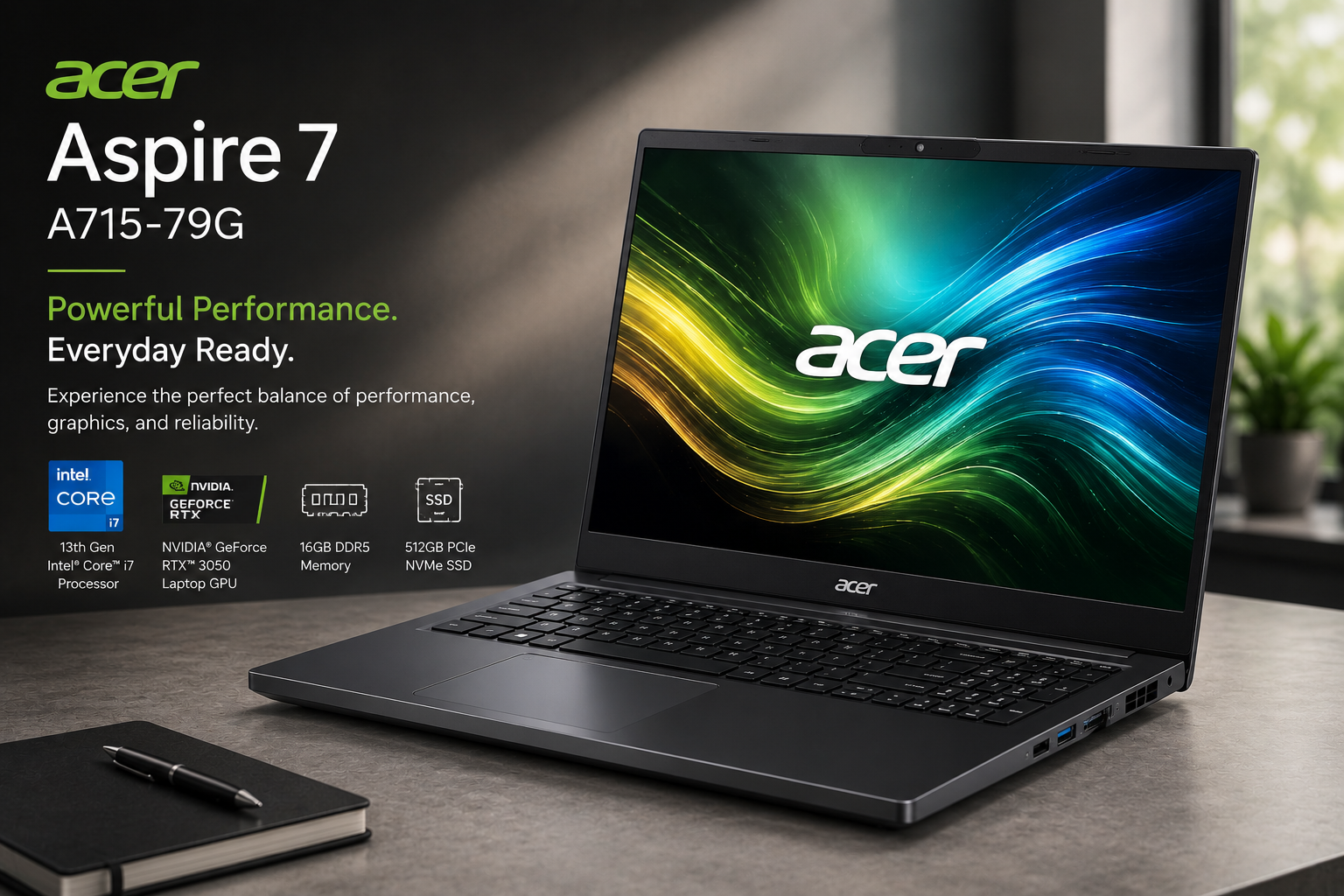
The Acer Aspire 7 proves you don’t need to spend premium prices for engineering-capable performance. At under $700, it offers dedicated graphics and solid specifications that handle most engineering software surprisingly well. The all-black design looks professional despite the budget price point.
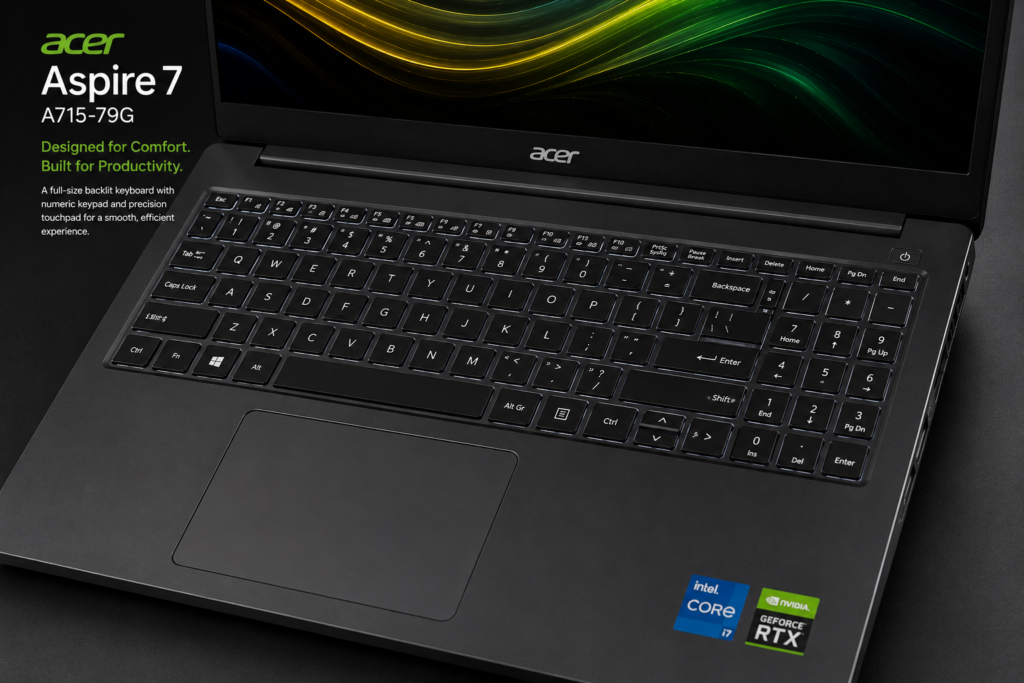
Build quality is decent plastic, but it feels sturdy enough for daily student use. The keyboard is comfortable for typing, though it lacks backlighting which is a drawback for late-night study sessions.
Key Specifications
| Category | Specification |
|---|---|
| Processor | Intel Core i5-13450H (8 cores, up to 4.4 GHz) |
| RAM | 16GB DDR4-3200 (upgradable to 32GB) |
| Storage | 512GB PCIe NVMe SSD |
| Display | 15.6-inch FHD (1920×1080) IPS, 100% sRGB, 300 nits |
| Graphics | NVIDIA RTX 2050 4GB GDDR6 |
| Battery | 50WHr |
| Weight | 1.9 kg |
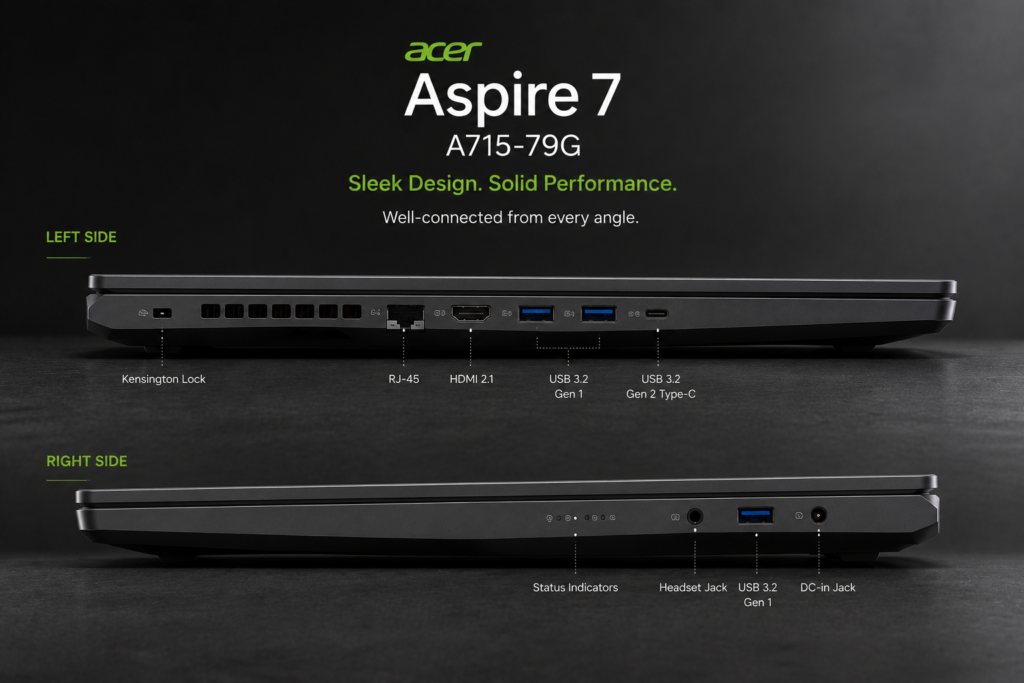
| Ports | 3x USB 3.0, 1x USB 2.0(Type-A), 1x DC in-jack, HDMI 2.1, ethernet, 3.5mm audio |
| Operating System | Windows 11 Home |
| Price Range | $649 – $749 (₹55,000 – ₹65,000) |
Performance & Real-world Testing
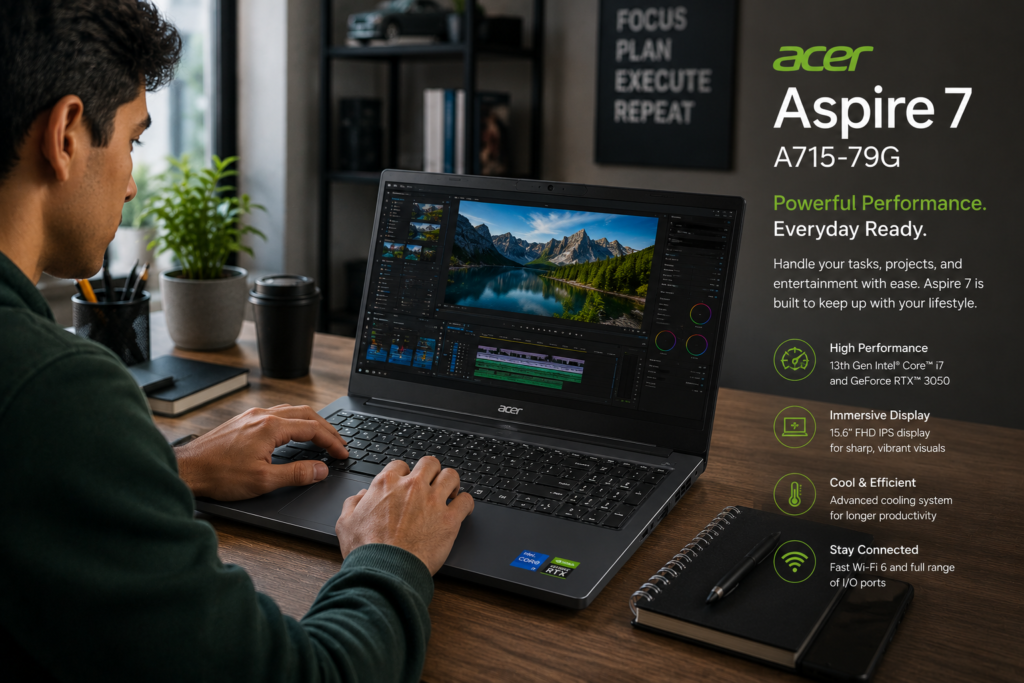
The i5-12450H delivers solid performance for everyday engineering tasks. While it won’t match high-end processors in rendering times, it handles AutoCAD, MATLAB, and basic 3D modeling competently. The RTX 2050 is entry-level but provides CUDA acceleration for rendering and enables light gaming.
Upgrade the RAM to 16GB immediately for smooth multitasking. With 8GB, you’ll experience slowdowns with multiple applications open. Battery life is 5-6 hours for productivity, which is acceptable. The display is bright enough for indoor use but struggles in direct sunlight.
Pros
- Exceptional value at under $700 / ₹60,000
- Dedicated RTX 2050 graphics with CUDA support
- Lightweight at 1.9 kg for a 15.6-inch laptop
- 100% sRGB display with good color accuracy
- Upgradeable RAM and storage
- Comprehensive port selection including ethernet
- Solid build quality for the price
Cons
- Only 16GB RAM out of the box (must upgrade to 16GB)
- No keyboard backlighting
- RTX 2050 is entry-level, limited for heavy 3D work
- Plastic build feels less premium
- Average battery life of 5-6 hours
Final Verdict
The Acer Aspire 7 is perfect for budget-conscious engineering students who need dedicated graphics without breaking the bank. Ideal for civil, mechanical, and electrical engineering students whose software demands are moderate. Upgrade RAM to 16GB immediately.
Rating: 8.0/10
Buy Acer Aspire 7 A715-79G Now – Check Latest Price —
4. Asus TUF Gaming A15 FA566 – Best Mid-Range Gaming Laptop
Introduction & First Impressions
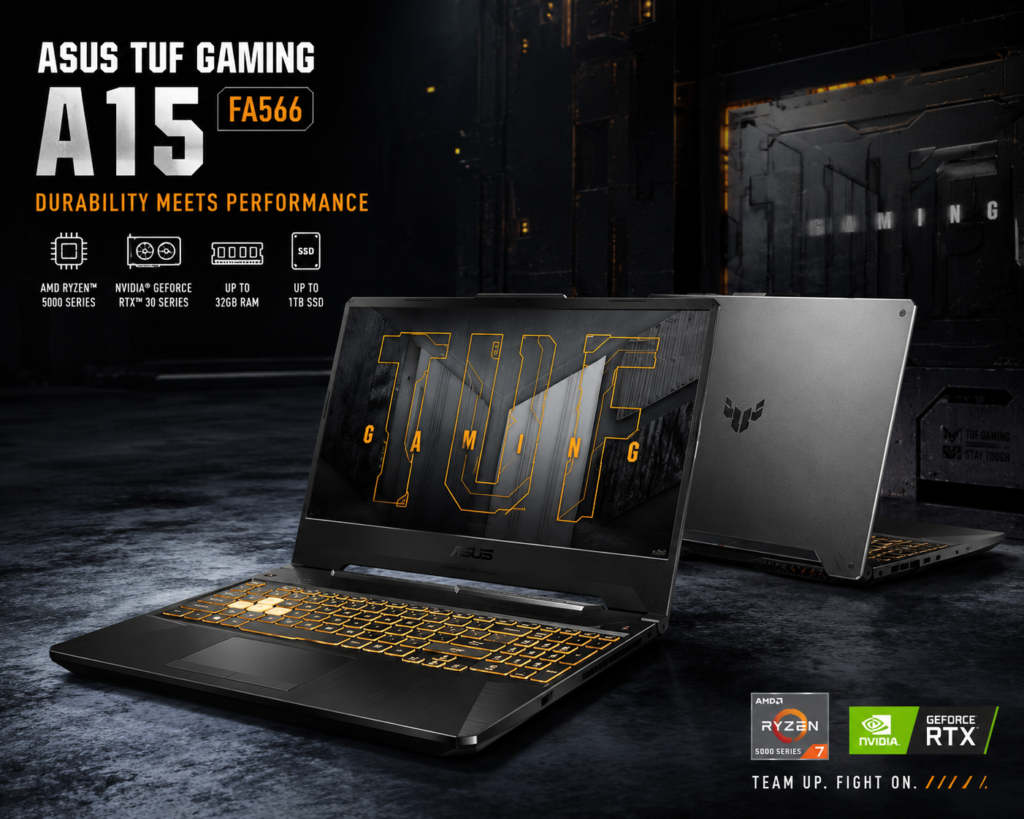
The Asus TUF Gaming A15 combines military-grade durability with solid gaming performance at a mid-range price. The rugged build can withstand the bumps and drops of campus life, making it ideal for students who carry their laptops daily. The RGB backlit keyboard is functional and comfortable for extended typing.
At 2.2 kg, it’s reasonably portable for a gaming laptop. The angular design looks aggressive but professional enough for classroom use.
Key Specifications
| Category | Specification |
|---|---|
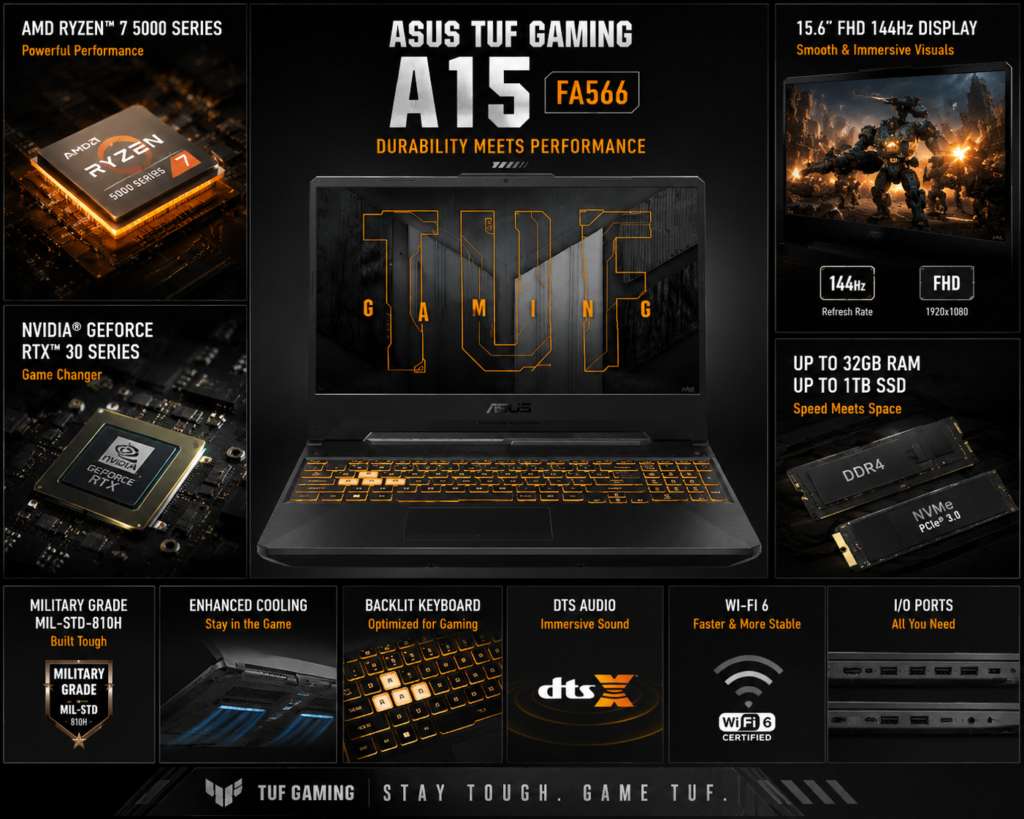
| Processor | AMD Ryzen 7 7435HS (8 cores, up to 4.75 GHz) |
| RAM | 16GB DDR5-4800 (upgradable to 32GB) |
| Storage | 512GB PCIe NVMe SSD |
| Display | 15.6-inch FHD (1920×1080) IPS, 100% sRGB, 300 nits, 144Hz |
| Graphics | NVIDIA RTX 3050 6GB GDDR6 |
| Battery | 90WHr |
| Weight | 2.3 kg |
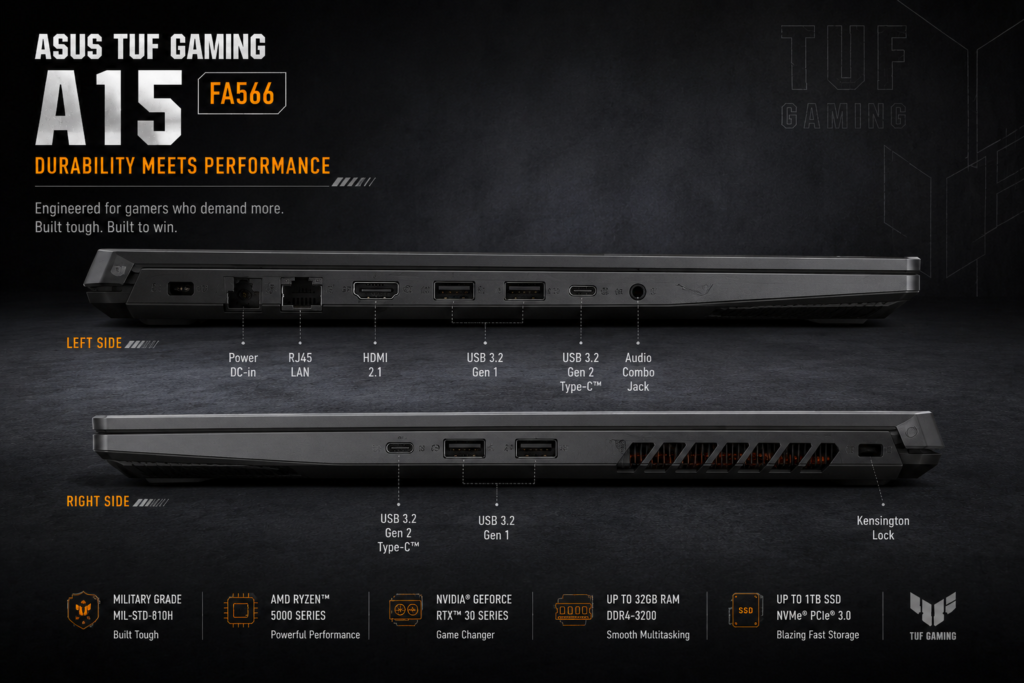
| Ports | 1x USB-C, 3x USB-A, HDMI 2.1, ethernet, 3.5mm audio |
| Operating System | Windows 11 Home |
| Price Range | $999 – $1,199 (₹85,000 – ₹1,00,000) |
Performance & Real-world Testing
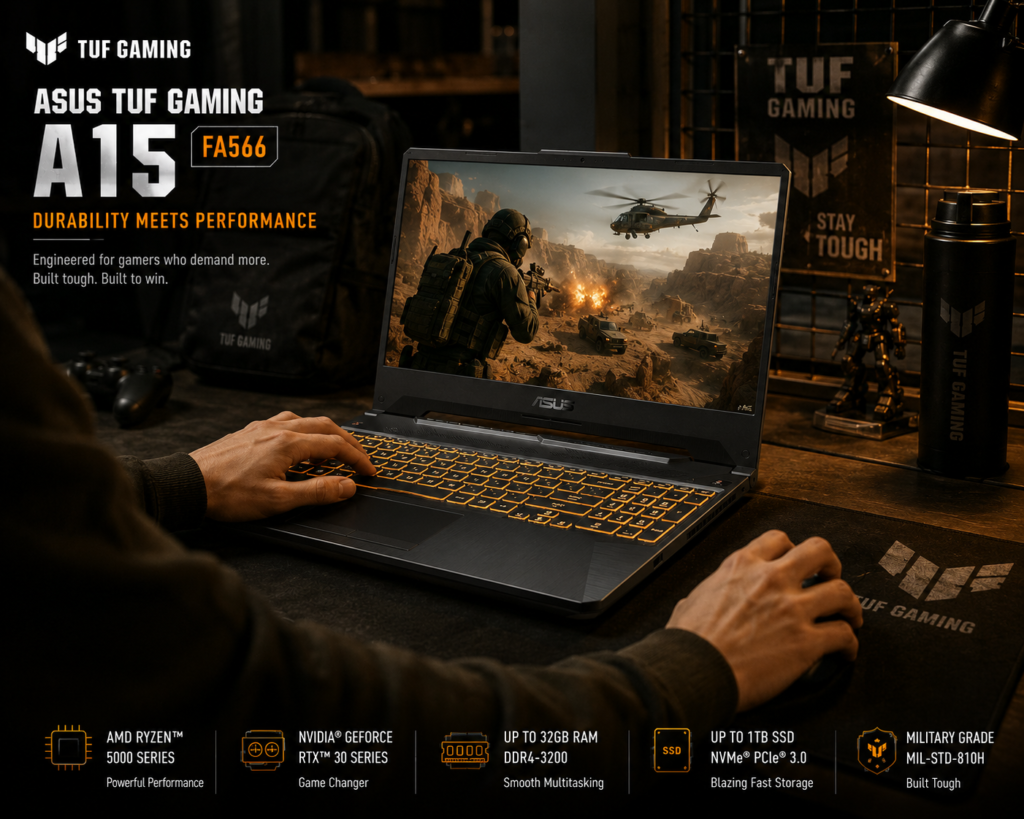
The Ryzen 7 7735HS delivers excellent multi-core performance for compilation and rendering. The RTX 4050 handles modern games at high settings (60+ FPS) and accelerates CAD rendering significantly. Thermal performance is good with the self-cleaning cooling system, though fans can get loud under load.
Battery life is impressive at 7-8 hours for productivity thanks to the large 90WHr battery, which is rare for gaming laptops. The 144Hz display is smooth and responsive, though colors are good but not exceptional.
Pros
- Excellent price-to-performance ratio
- RTX 4050 provides solid gaming and rendering performance
- Large 90WHr battery delivers 7-8 hours of productivity
- Military-grade durability (MIL-STD-810H certified)
- 16GB DDR5 RAM out of the box
- 144Hz display is smooth for gaming and UI
- Self-cleaning cooling system reduces maintenance
Cons
- Display brightness limited to 300 nits
- Fans can be loud under heavy load
- No Thunderbolt support (AMD limitation)
- ROG aesthetic may be too gaming-focused for some
Final Verdict
The TUF Gaming A15 is perfect for engineering students who want gaming performance without premium pricing. Ideal for computer science, mechanical, and electrical engineering students who need both productivity and entertainment capabilities.
Rating: 8.5/10
Buy Asus TUF Gaming A15 FA566 Now – Check Latest Price —
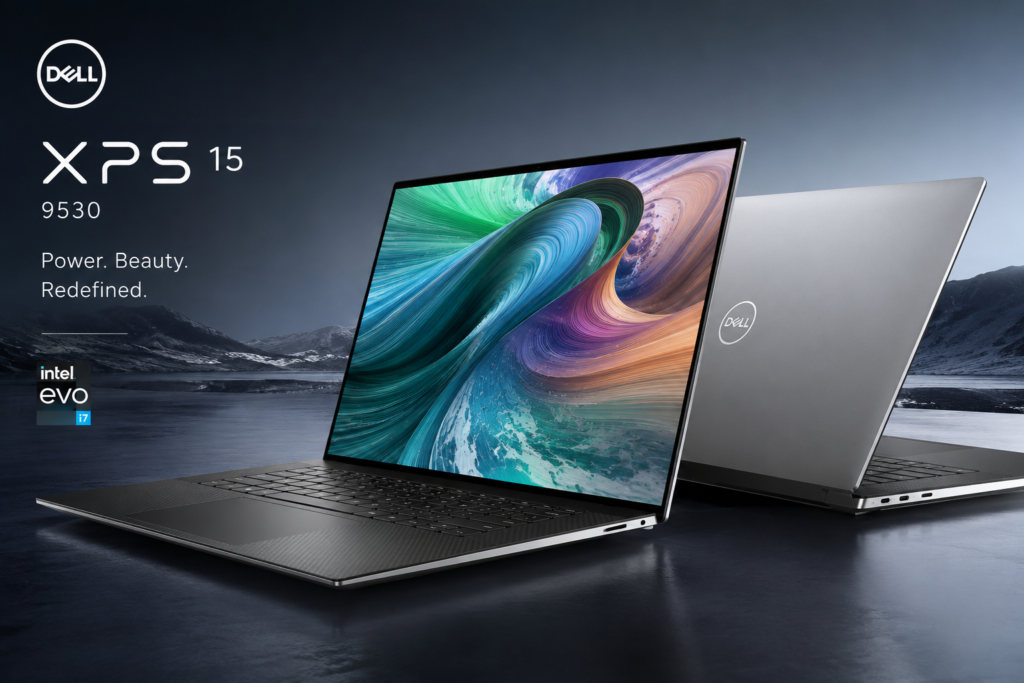
5. Dell XPS 15 9530 – Best Premium Ultrabook
Introduction & First Impressions
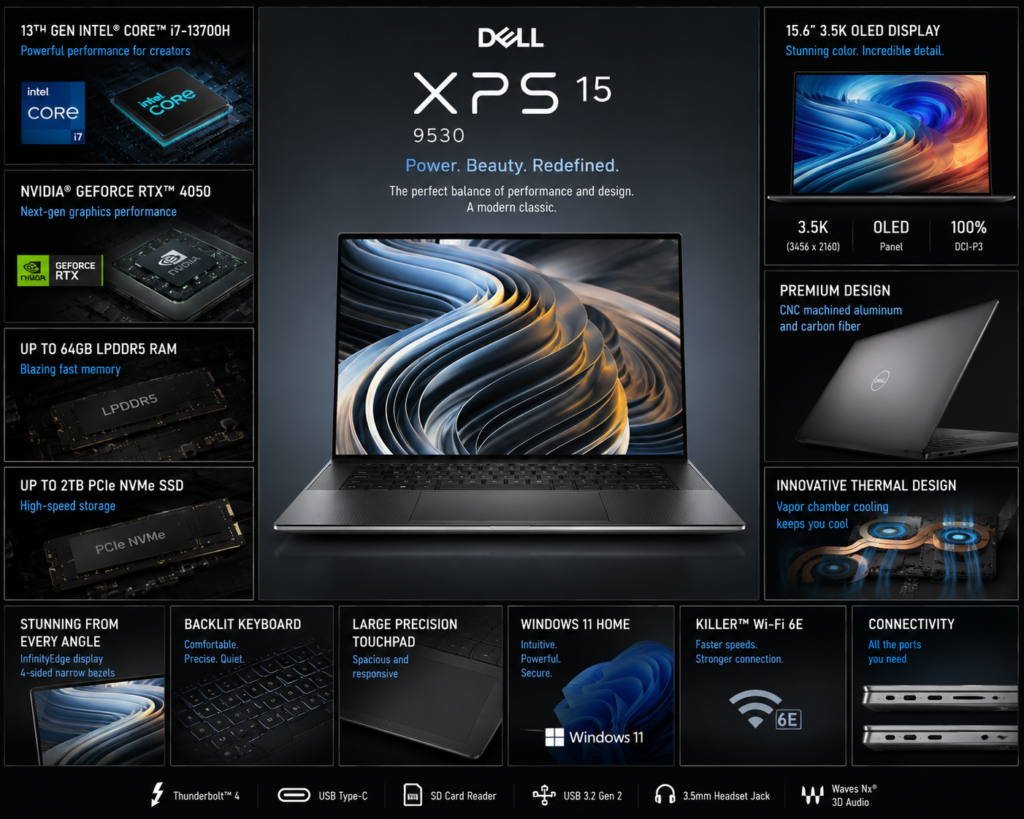
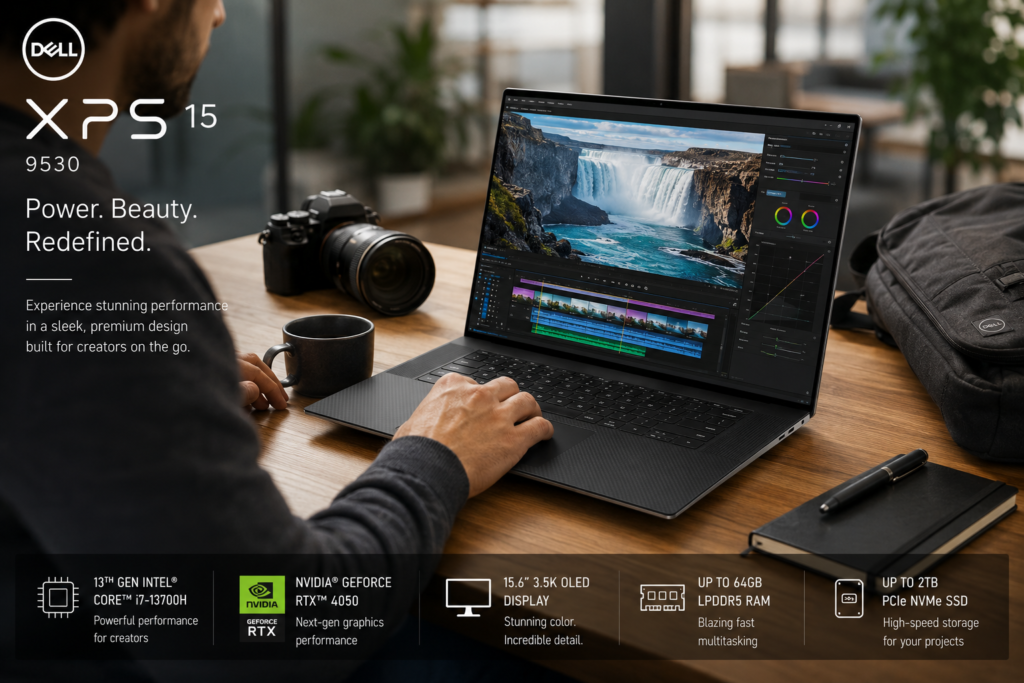
The Dell XPS 15 is the ultimate premium ultrabook for engineering students who prioritize build quality, display excellence, and portability. The CNC-machined aluminum and carbon fiber composite construction feels incredibly premium and durable. The near bezel-less 15.6-inch OLED display is absolutely stunning.
At 1.86 kg, it’s remarkably lightweight for a 15-inch performance laptop. The keyboard is excellent for typing, and the large precision trackpad is responsive. However, the premium price may be prohibitive for many students.
Key Specifications
| Category | Specification |
|---|---|
| Processor | Intel Core i7-13700H (14 cores, up to 5.0 GHz) |
| RAM | 16GB DDR5-4800 (soldered, not upgradeable) |
| Storage | 512GB PCIe NVMe SSD |
| Display | 15.6-inch 3.5K (3456×2160) OLED, 100% DCI-P3, 400 nits, HDR |
| Graphics | NVIDIA RTX 4050 6GB GDDR6 |
| Battery | 86WHr |
| Weight | 1.86 kg |
| Ports | 2x Thunderbolt 4, 1x USB-C 3.2, SD card reader, 3.5mm audio |
| Operating System | Windows 11 Pro |
| Price Range | $1,799 – $2,199 (₹1,50,000 – ₹1,85,000) |
Performance & Real-world Testing
The i7-13700H delivers excellent performance for productivity and moderate rendering tasks. The RTX 4050 handles CAD software well but is limited by lower power compared to dedicated gaming laptops. The OLED display is the best in class with perfect blacks and vibrant colors, ideal for design work.
Battery life reaches 6-7 hours for productivity, which is good for a performance ultrabook. The main limitation is soldered RAM – choose 32GB configuration if budget allows as it cannot be upgraded later.
Pros
- Exceptional build quality with premium materials
- Stunning 3.5K OLED display with 100% DCI-P3
- Lightweight at 1.86 kg for 15-inch performance laptop
- Excellent keyboard and large precision trackpad
- Good battery life (6-7 hours) for performance ultrabook
- Thunderbolt 4 support for fast external displays and storage
- Windows 11 Pro included
Cons
- Premium price may exceed student budgets
- RAM is soldered and not upgradeable (choose wisely at purchase)
- Limited port selection requires dongles (no ethernet, few USB-A)
- RTX 4050 is limited by lower power compared to gaming laptops
- OLED may require calibration for precise technical measurements
Final Verdict
The Dell XPS 15 is perfect for engineering students who prioritize portability, build quality, and display excellence. Ideal for computer science, industrial engineering, and any discipline where carrying a lightweight laptop daily matters. Choose 32GB RAM configuration.
Rating: 8.8/10
Buy Dell XPS 15 9530 Now – Check Latest Price
6. HP Victus 16-r0013dx – Best Value Gaming Laptop
Introduction & First Impressions
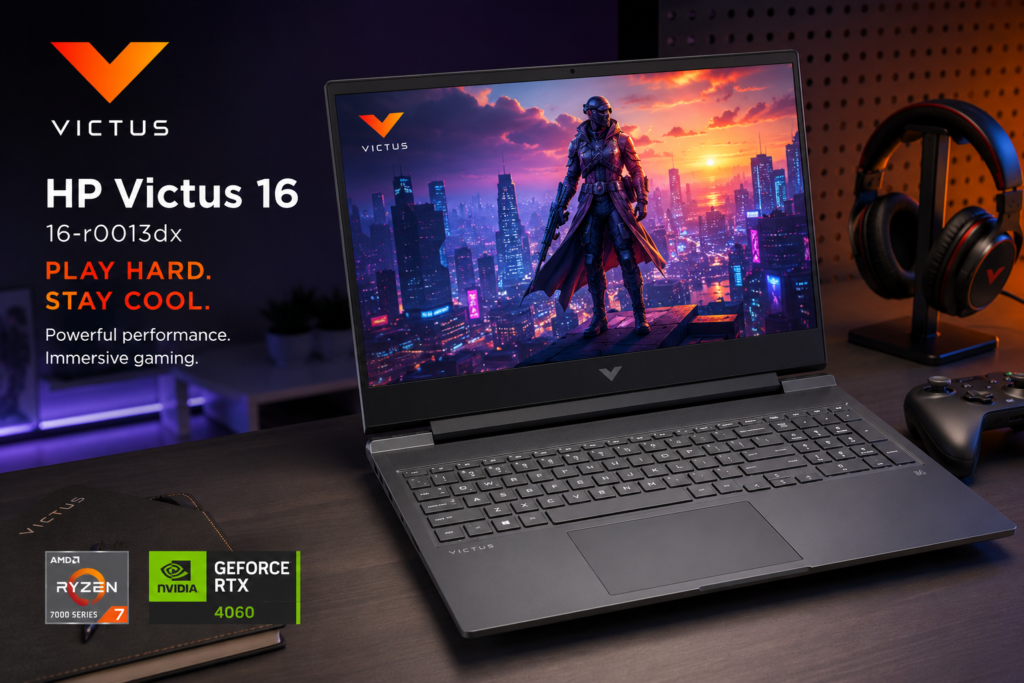
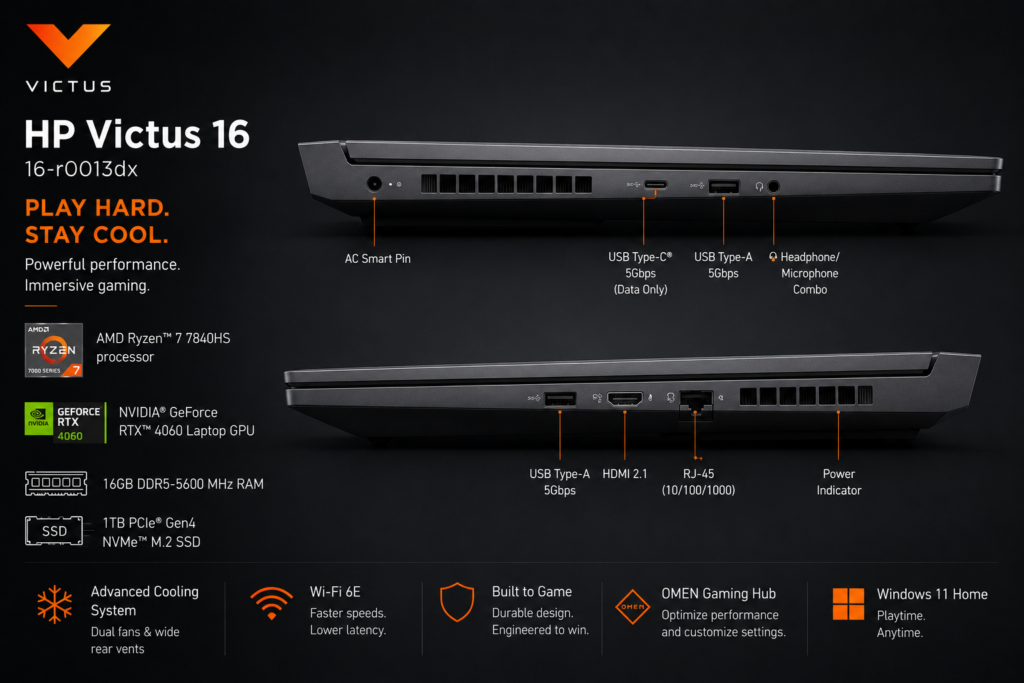
The HP Victus 16 offers gaming performance at a surprisingly affordable price point. The design is more subdued than typical gaming laptops, making it suitable for professional environments. The full-size keyboard with numeric keypad is excellent for engineering calculations and data entry.
At 2.29 kg, it’s reasonably portable. Build quality is decent plastic, though it feels solid enough for student use. The hinge is sturdy and the screen doesn’t wiggle excessively.
Key Specifications
| Category | Specification |
|---|---|
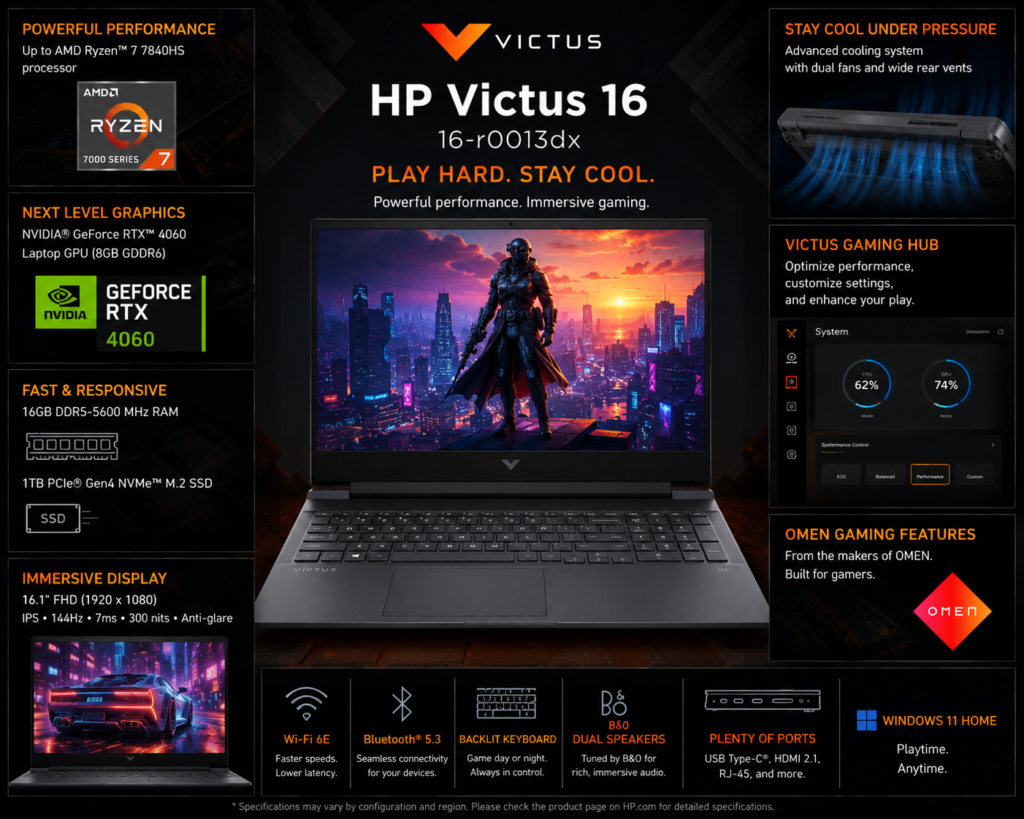
| Processor | Intel Core i5-13500H (12 cores, up to 4.7 GHz) |
| RAM | 16GB DDR5-4800 (upgradable to 32GB) |
| Storage | 512GB PCIe NVMe SSD |
| Display | 16.1-inch FHD (1920×1080) IPS, 100% sRGB, 300 nits, 144Hz |
| Graphics | NVIDIA RTX 4050 6GB GDDR6 |
| Battery | 70WHr |
| Weight | 2.29 kg |
| Ports | 3x USB-A, 1x USB-C, HDMI 2.1, ethernet, 3.5mm audio |
| Operating System | Windows 11 Home |
| Price Range | $899 – $999 (₹75,000 – ₹85,000) |
Performance & Real-world Testing
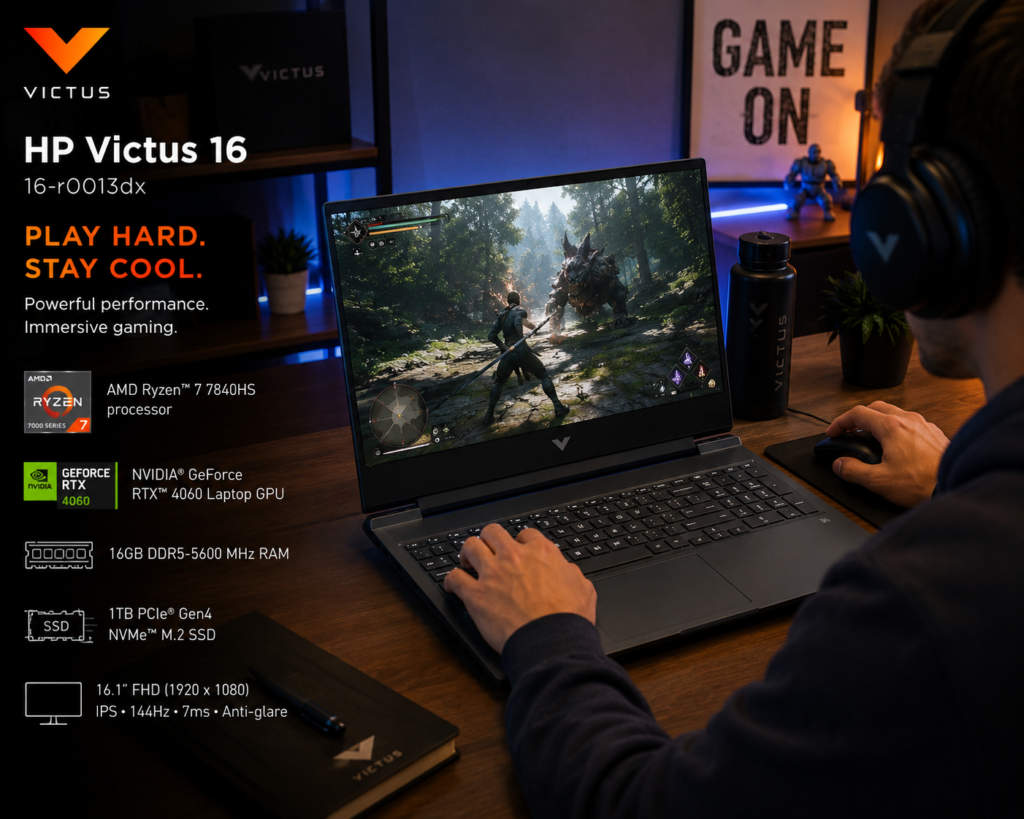
The i5-13500H with 12 cores provides excellent multi-threaded performance for compilation and rendering. The RTX 4050 handles gaming and CAD rendering competently. Thermal performance is good, though fans can get loud during intensive tasks.
Battery life is 5-6 hours for productivity, which is average. The 144Hz display is smooth and has good color accuracy at 100% sRGB. The larger 16.1-inch screen provides more workspace for CAD applications.
Pros
- Excellent value with RTX 4050 at under $900
- 16GB DDR5 RAM out of the box
- 12-core i5-13500H provides strong multi-threaded performance
- Larger 16.1-inch display provides more workspace
- 100% sRGB display with good color accuracy
- Full-size keyboard with numeric keypad
- Comprehensive port selection including ethernet
Cons
- Plastic build feels less premium
- Fans can get loud under load
- Average battery life of 5-6 hours
- Display brightness limited to 300 nits
- Heavier than ultrabooks at 2.29 kg
Final Verdict
The HP Victus 16 is perfect for budget-conscious engineering students who need gaming performance and larger screen real estate. Ideal for mechanical, civil, and electrical engineering students who work with CAD software regularly.
Rating: 8.3/10
Buy HP Victus 16-r0013dx Now – Check Latest Price-
7. MacBook Pro 14 M3 Pro – Best for Computer Science & Software Engineering
Introduction & First Impressions
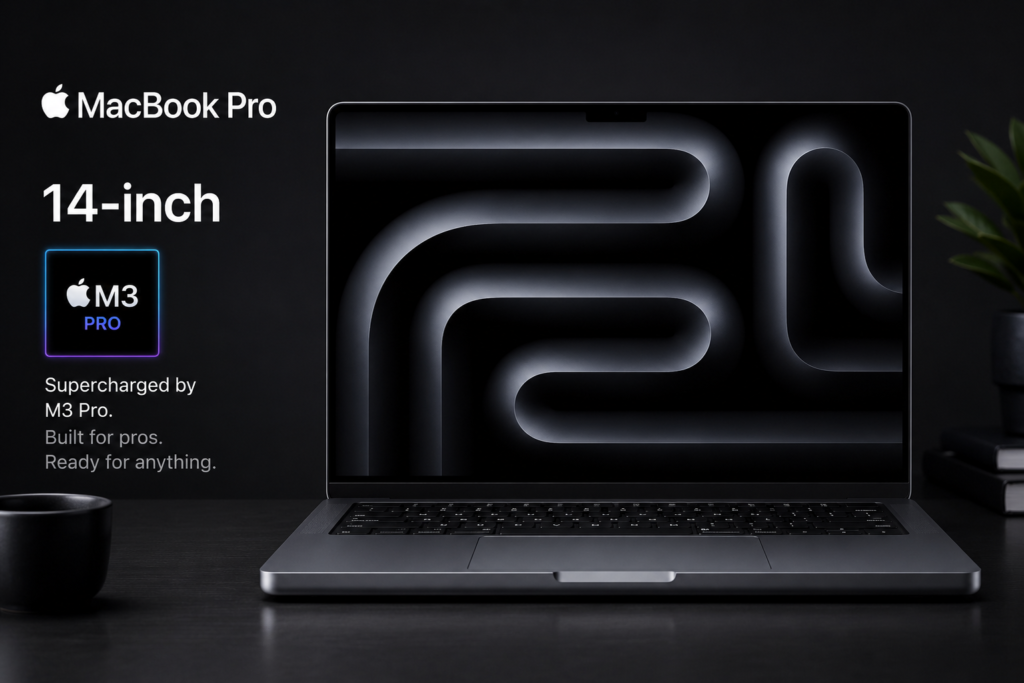
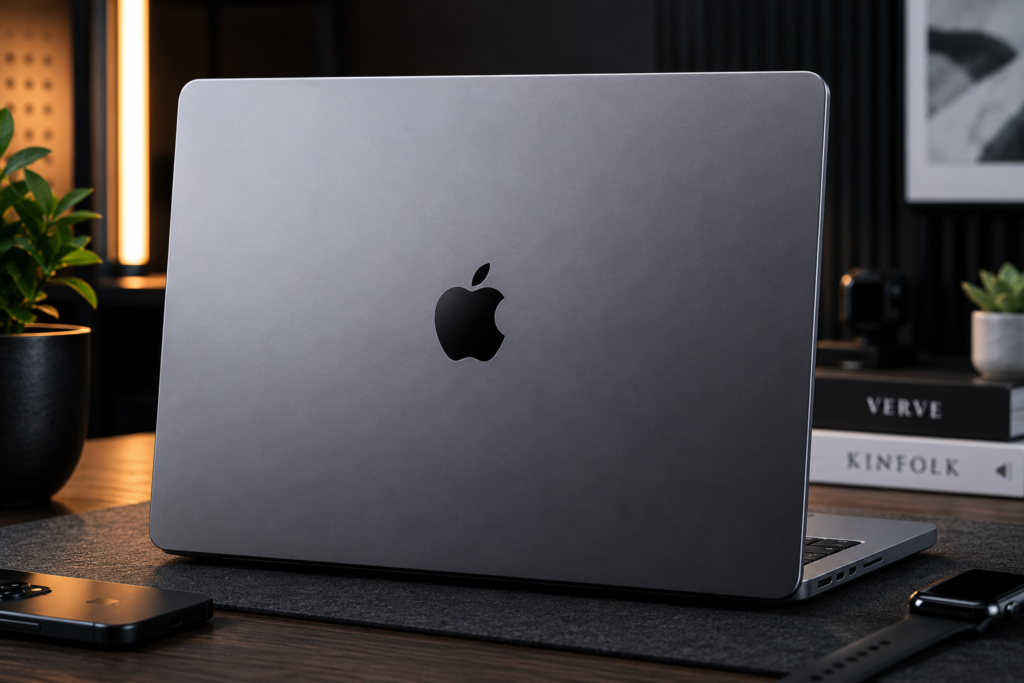
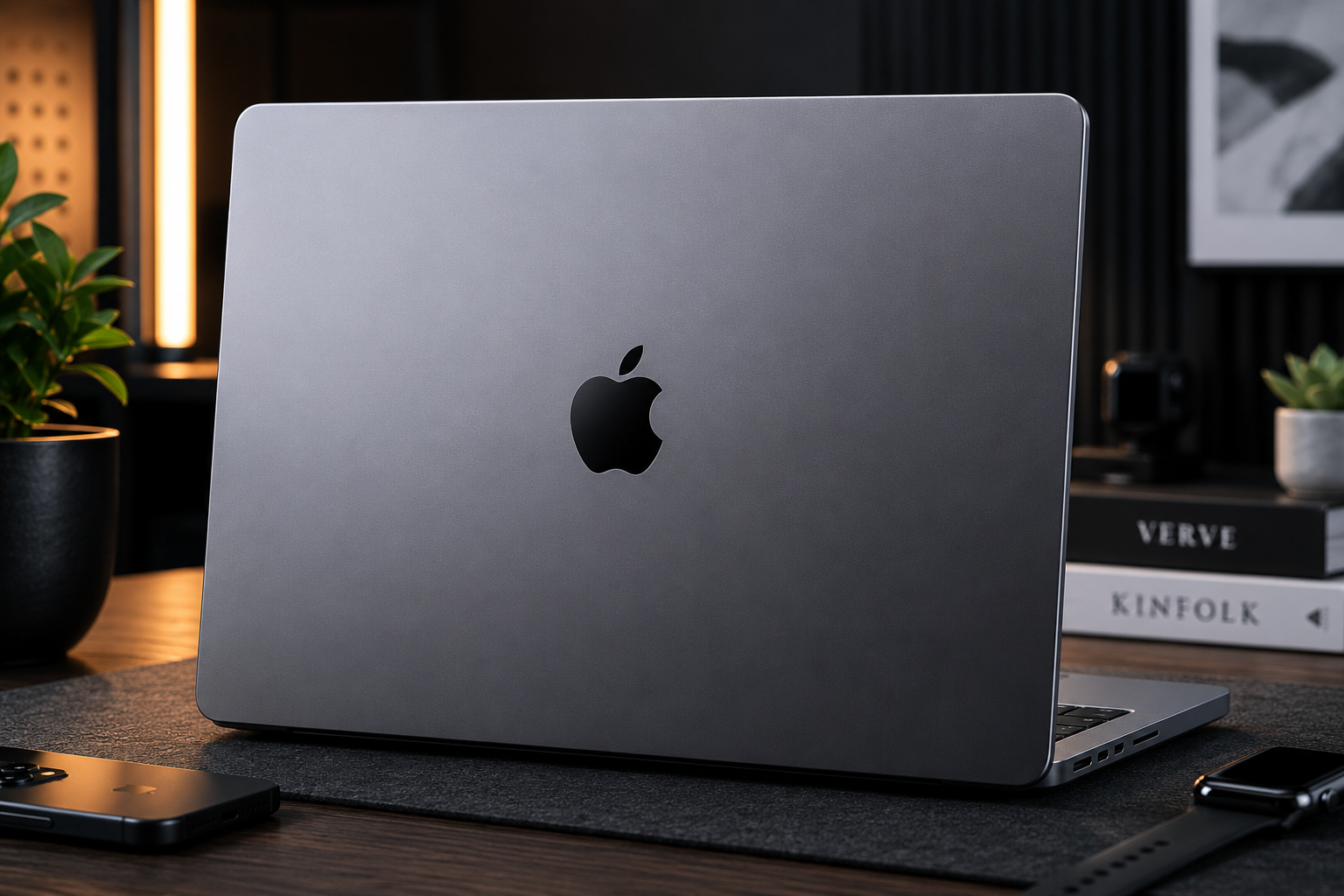
The MacBook Pro 14 with M3 Pro chip is the ultimate choice for computer science and software engineering students. The Apple Silicon architecture delivers exceptional performance per watt, resulting in incredible battery life and cool, quiet operation. The build quality is unmatched with a solid aluminum unibody.
The mini-LED Liquid Retina XDR display is stunning with exceptional brightness and contrast. At 1.6 kg, it’s lightweight and portable. The keyboard is excellent with good key travel, and the large trackpad is the best in the industry.
However, macOS may have software compatibility issues with some engineering applications (SolidWorks, ANSYS, some MATLAB toolboxes). Check software requirements before purchasing.
Key Specifications
| Category | Specification |
|---|---|
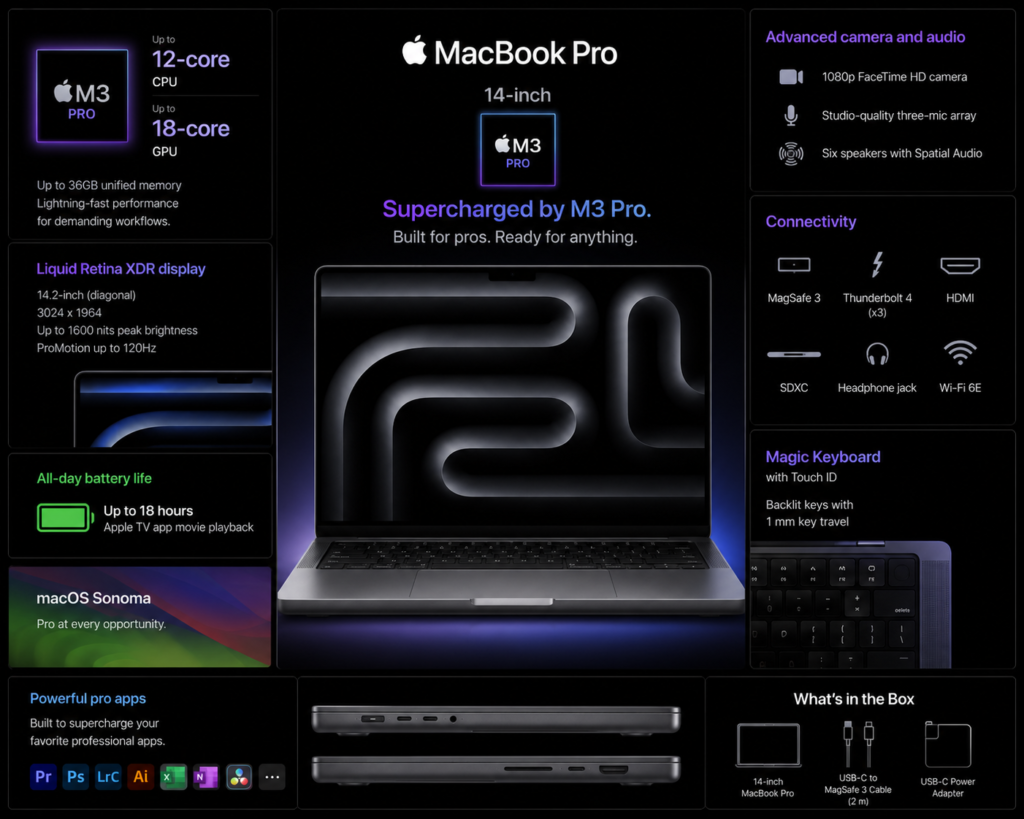
| Processor | Apple M3 Pro (12-core CPU, 18-core GPU) |
| RAM | 18GB Unified Memory (not upgradeable) |
| Storage | 512GB SSD (not upgradeable) |
| Display | 14.2-inch Liquid Retina XDR (3024×1964), mini-LED, 1000 nits sustained, 1600 nits peak, 120Hz ProMotion |
| Graphics | 18-core integrated GPU |
| Battery | 70WHr |
| Weight | 1.6 kg |
| Ports | 3x Thunderbolt 4, HDMI 2.1, SD card slot, MagSafe 3, 3.5mm audio |
| Operating System | macOS Sonoma |
| Price Range | $1,999 – $2,499 (₹1,70,000 – ₹2,10,000) |
Performance & Real-world Testing
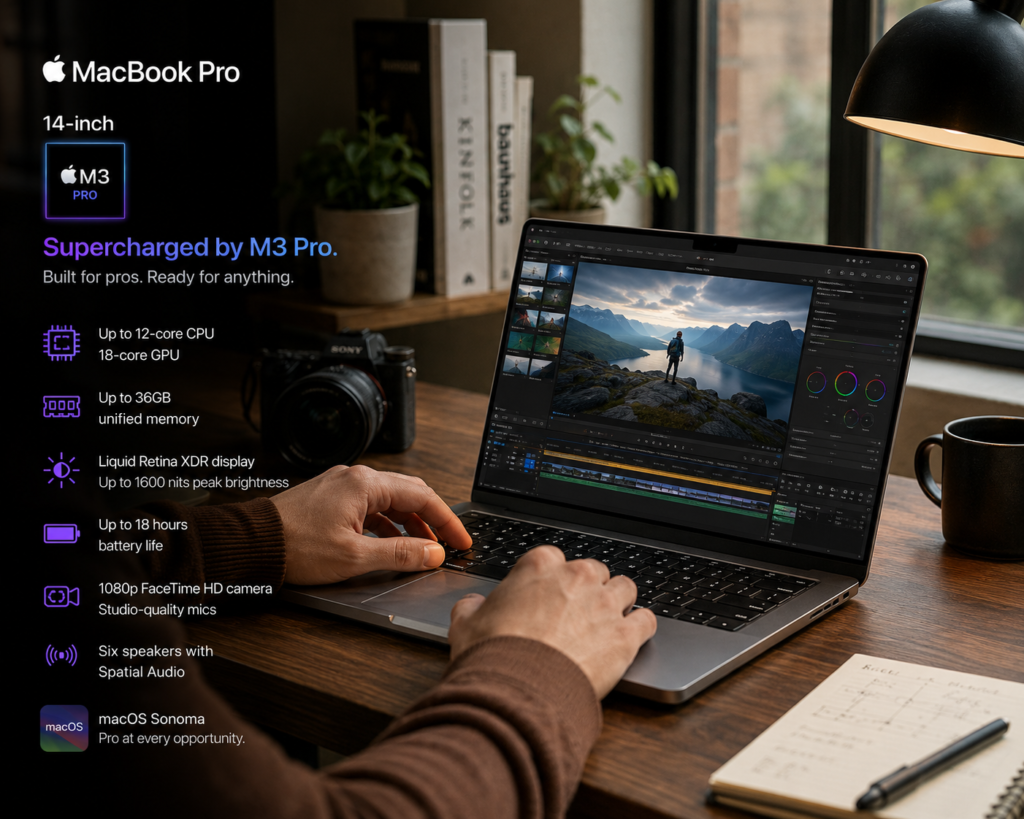
The M3 Pro chip is incredibly powerful for software development, compilation, and machine learning. Xcode compilation is significantly faster than Intel Macs. Battery life is exceptional at 12-14 hours for productivity, which is unmatched by any Windows laptop.
The display is the best available with perfect color accuracy and exceptional brightness. However, macOS has limited support for engineering software – SolidWorks, CATIA, and some ANSYS versions don’t run natively. Virtualization or Boot Camp (not available on Apple Silicon) may be required.
Pros
- Exceptional performance with M3 Pro chip
- Unmatched battery life (12-14 hours)
- Best-in-class display with mini-LED and ProMotion
- Premium aluminum build quality
- Lightweight at 1.6 kg
- Excellent keyboard and industry-best trackpad
- Silent operation (no fan noise under normal load)
- Great for software development, coding, and machine learning
Cons
- Premium price exceeds most student budgets
- macOS has limited software compatibility for engineering (no native SolidWorks, CATIA)
- RAM and storage not upgradeable (choose configuration carefully)
- Limited to 18GB unified memory (not enough for heavy virtualization)
- Not ideal for mechanical, civil, or electrical engineering requiring Windows-only software
Final Verdict
The MacBook Pro 14 M3 Pro is perfect for computer science, software engineering, and data science students. Not recommended for mechanical, civil, or electrical engineering students who require Windows-only CAD software. Check software compatibility before purchasing.
Rating: 8.7/10 (for CS/Software Engineering only)
Buy MacBook Pro 14 M3 Pro Now – Check Latest Price —
8. MSI Prestige 14 AI Evo – Best Battery Life for Engineers
Introduction & First Impressions
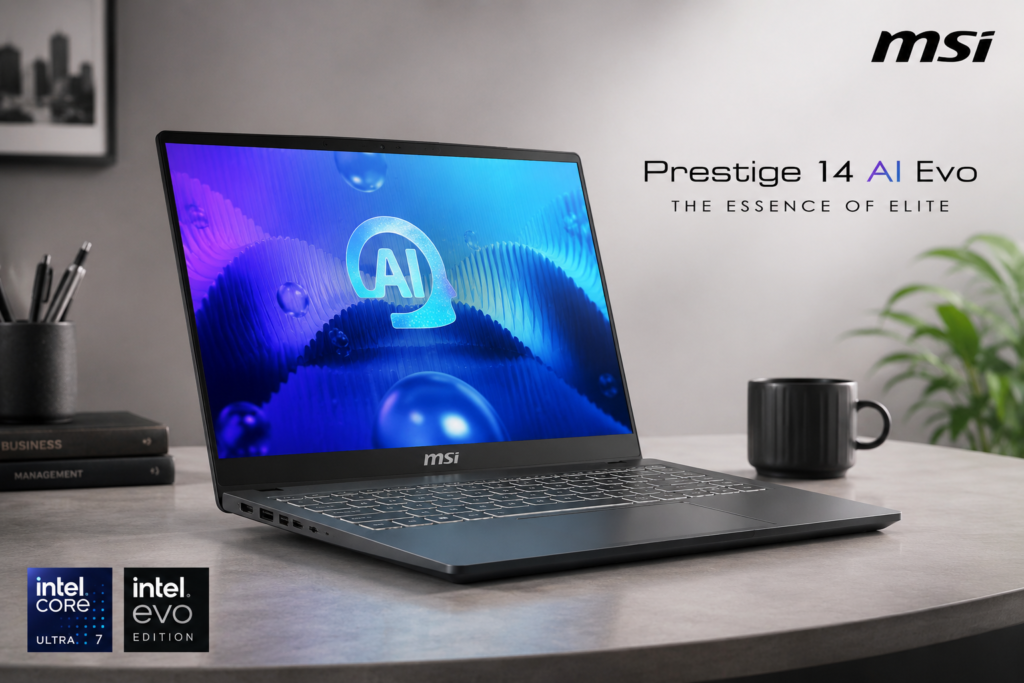
The MSI Prestige 14 AI Evo focuses on portability and battery life without sacrificing performance. The slim aluminum chassis weighs only 1.4 kg, making it the most portable option on this list. The professional gray design looks appropriate in any setting.
The Intel Evo certification guarantees real-world battery life of 8+ hours. The keyboard is comfortable for typing, and the compact form factor makes it ideal for students who carry their laptops everywhere.
Key Specifications
| Category | Specification |
|---|---|
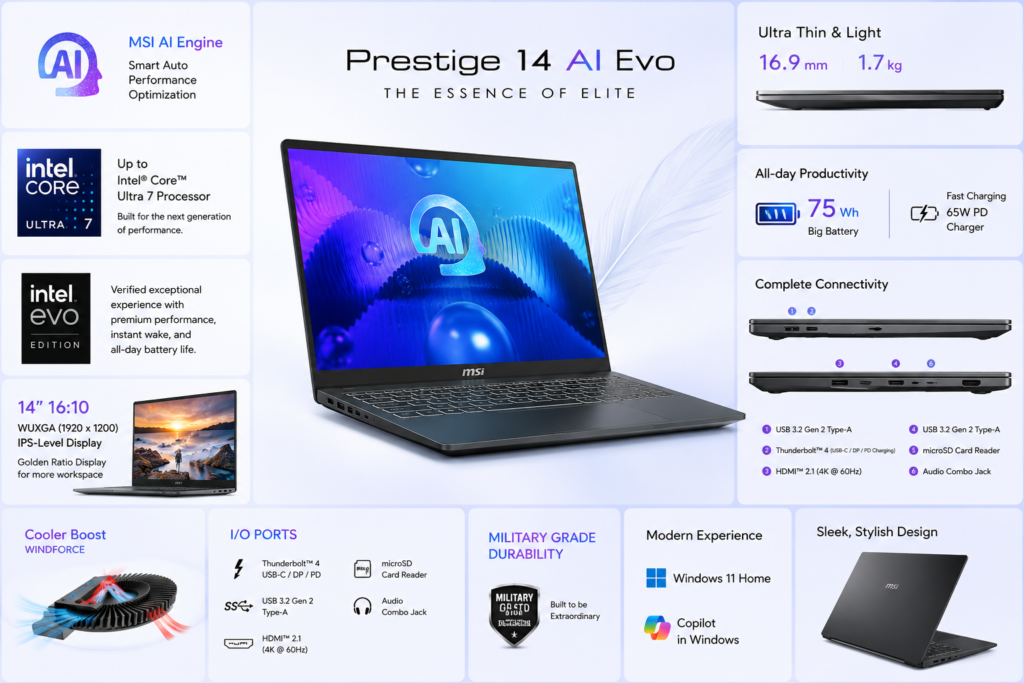
| Processor | Intel Core Ultra 7 155H (16 cores, up to 4.8 GHz) |
| RAM | 32GB LPDDR5-6400 (soldered) |
| Storage | 1TB PCIe 4.0 NVMe SSD |
| Display | 14-inch QHD+ (2880×1800) IPS, 100% sRGB, 500 nits |
| Graphics | Intel Arc Graphics (integrated) |
| Battery | 99WHr |
| Weight | 1.4 kg |
| Ports | 2x Thunderbolt 4, 2x USB-A 3.2, microSD card reader, 3.5mm audio |
| Operating System | Windows 11 Pro |
| Price Range | $1,299 – $1,499 (₹1,10,000 – ₹1,25,000) |
Performance & Real-world Testing
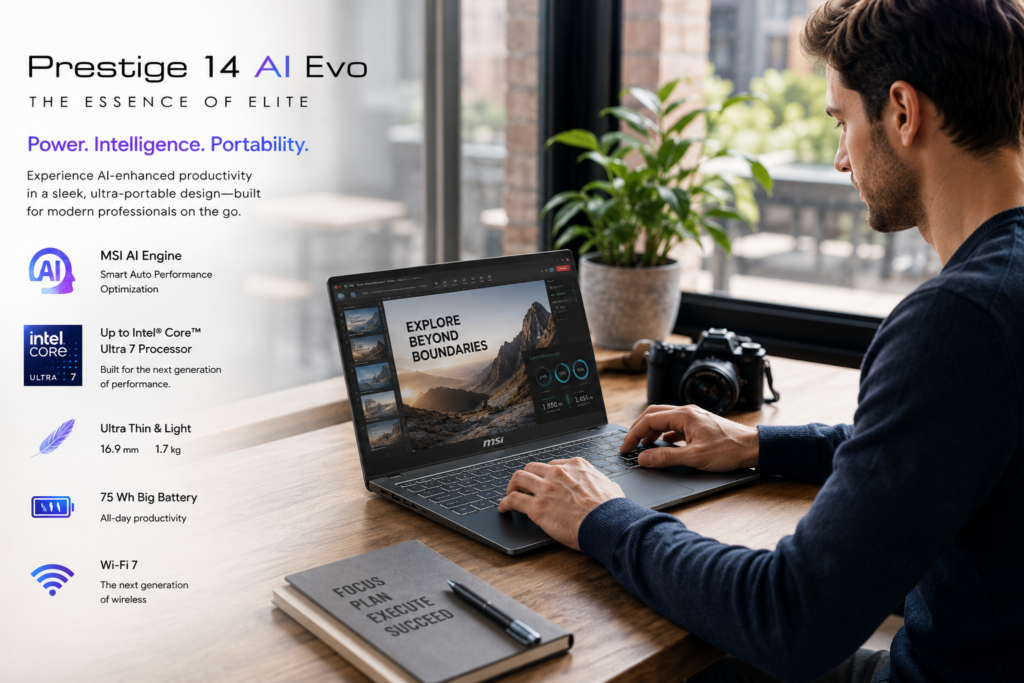
The Core Ultra 7 155H with Intel Arc graphics handles productivity tasks well and supports light CAD work. However, the lack of dedicated GPU limits gaming and heavy 3D rendering capabilities. The 32GB RAM is excellent for multitasking and virtual machines.
Battery life is exceptional at 9-10 hours for productivity, which is outstanding for a performance laptop. The display is bright and color-accurate. The ultra-lightweight design at 1.4 kg makes it ideal for daily campus carry.
Pros
- Exceptional portability at 1.4 kg
- Outstanding battery life (9-10 hours)
- 32GB RAM out of the box for heavy multitasking
- Bright 500-nit display with 100% sRGB
- Intel Evo certification guarantees performance standards
- Professional design suitable for any setting
- Windows 11 Pro included
Cons
- No dedicated GPU limits gaming and heavy 3D rendering
- RAM is soldered and not upgradeable
- Premium price for integrated graphics
- Smaller 14-inch display may be limiting for CAD work
- Limited port selection (no HDMI, no ethernet)
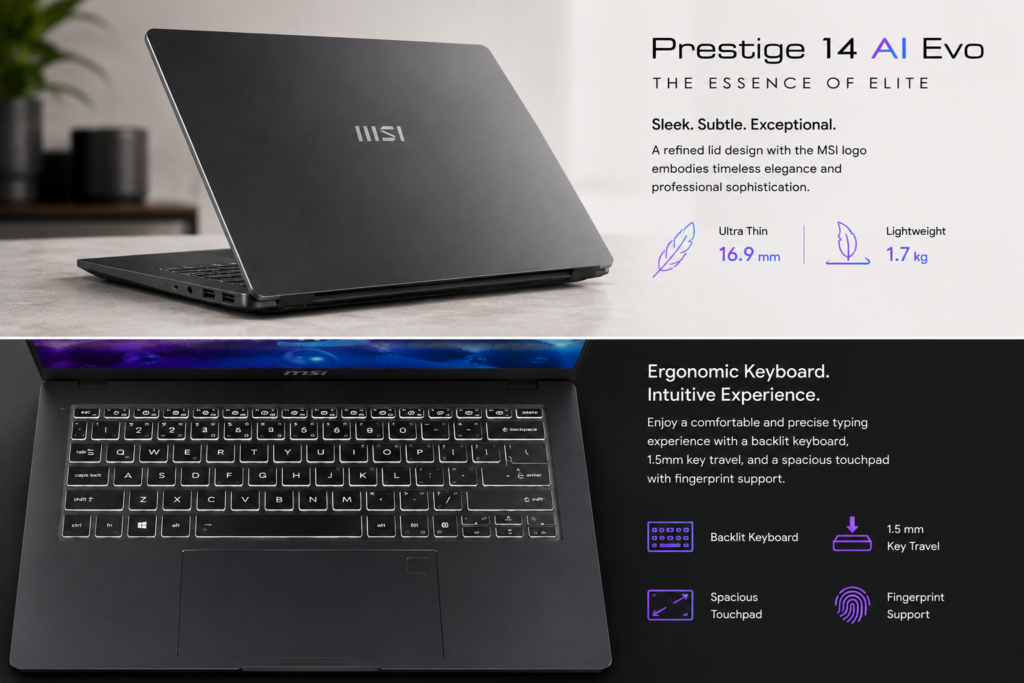
Final Verdict
The MSI Prestige 14 AI Evo is perfect for engineering students who prioritize portability and battery life over heavy graphics performance. Ideal for industrial engineering, computer science, and students who carry their laptops daily. Not suitable for mechanical or civil engineering requiring dedicated GPU.
Rating: 8.2/10
Buy MSI Prestige 14 AI Evo Now – Check Latest Price —
9. Razer Blade 16 – Best Premium Gaming Laptop
Introduction & First Impressions
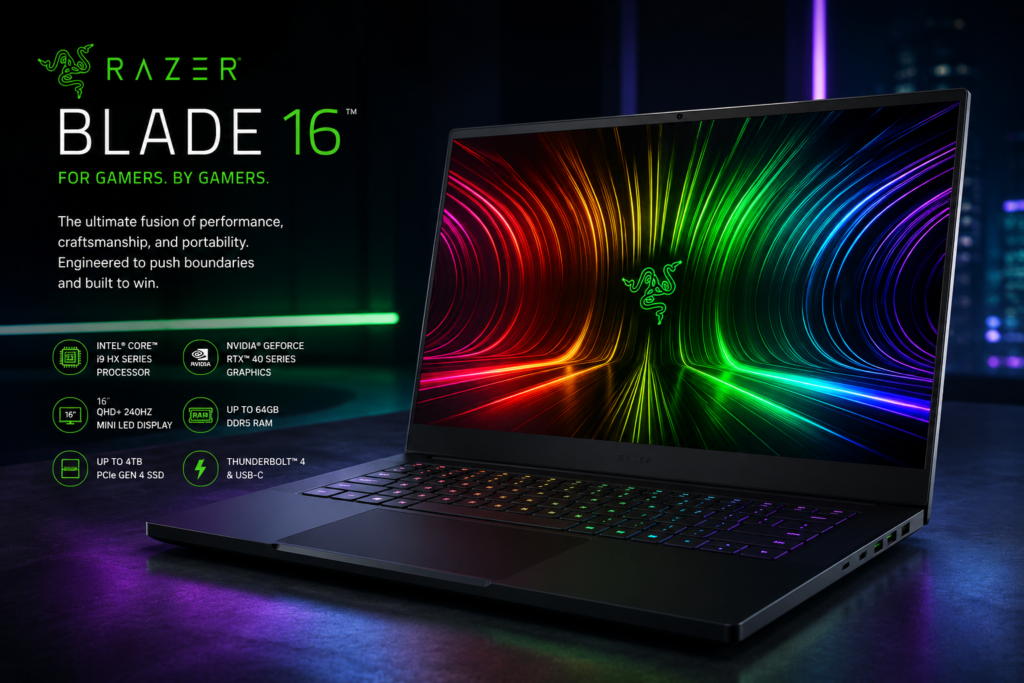
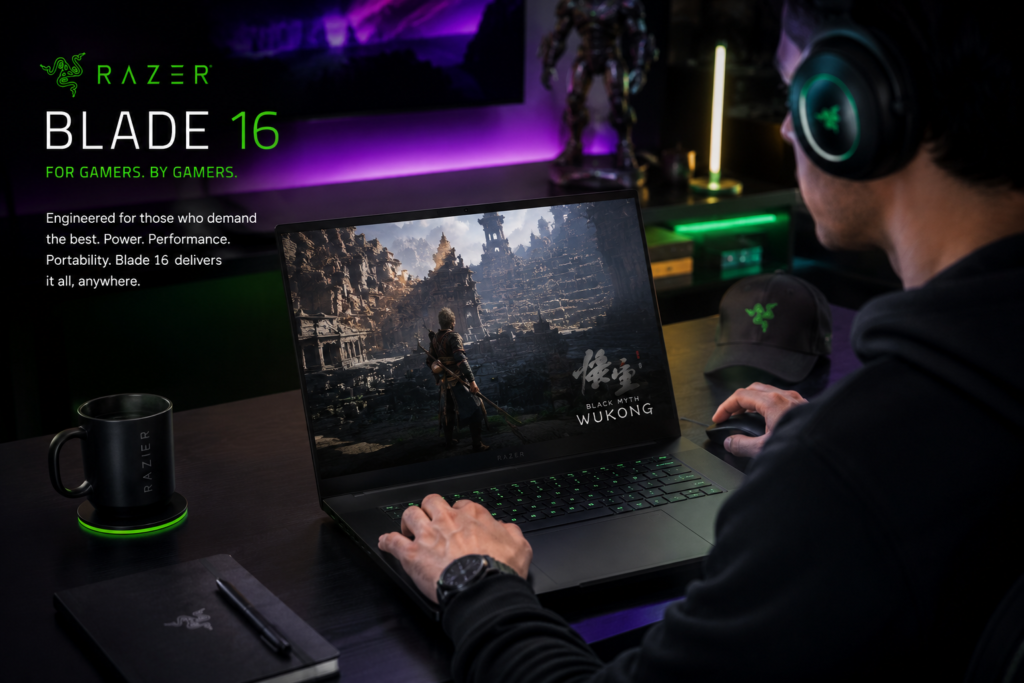
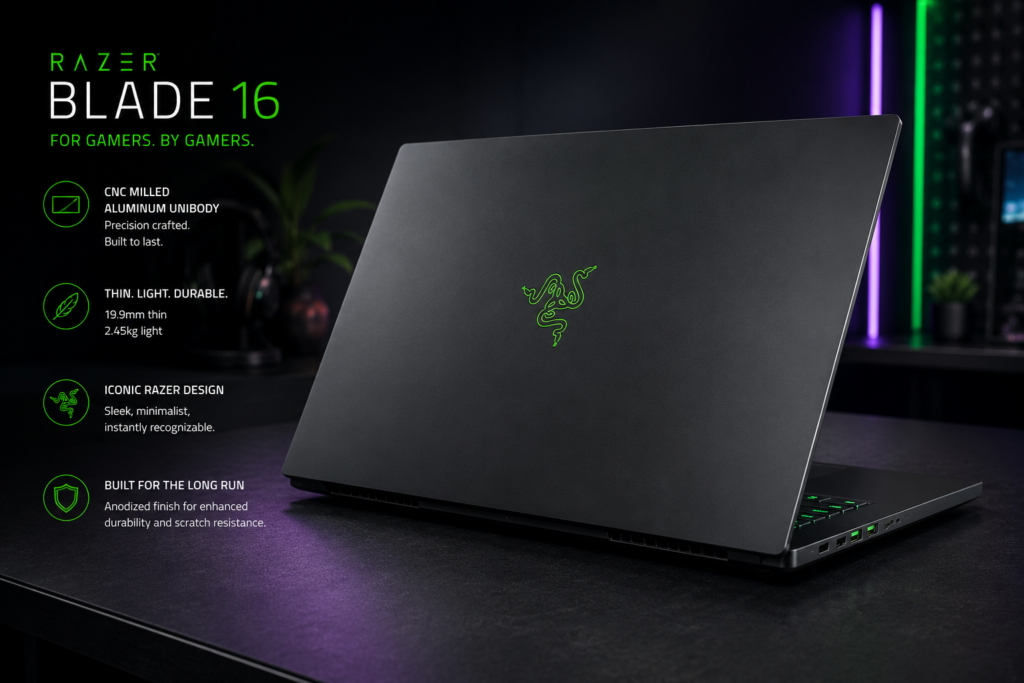
The Razer Blade 16 is the most premium gaming laptop available, combining RTX 40-series graphics with exceptional build quality. The CNC aluminum unibody feels incredibly solid and premium. The minimalist design looks professional despite gaming capabilities.
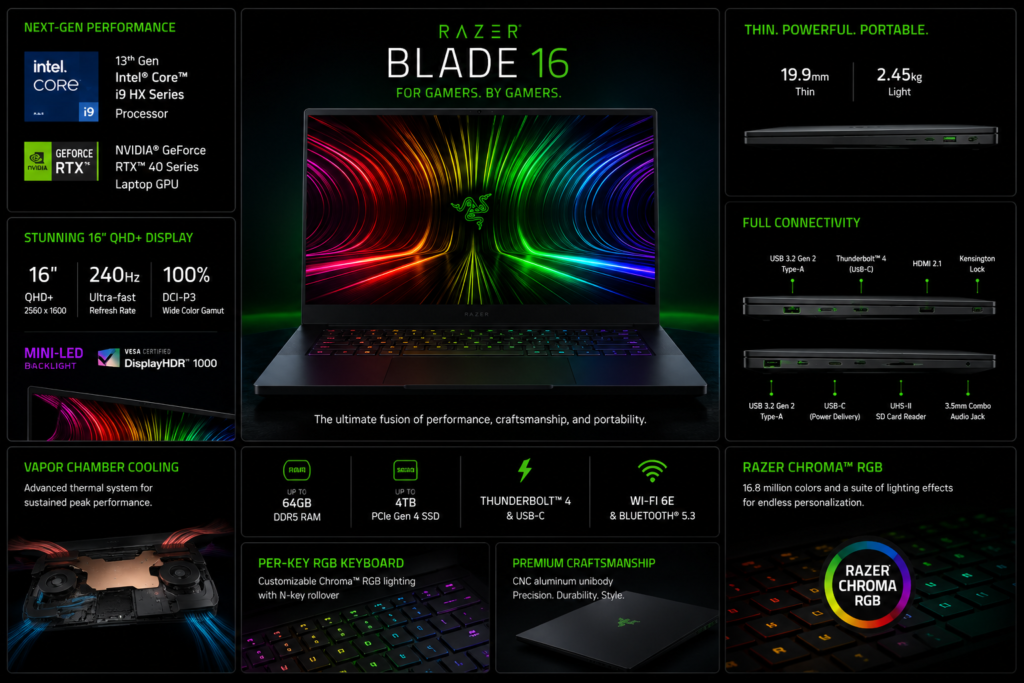
At 2.45 kg, it’s on the heavier side but manageable. The RGB Chroma keyboard is the best RGB implementation available, and the large precision trackpad is excellent. The dual-mode display is groundbreaking with switchable 4K 120Hz and FHD+ 240Hz modes.
Key Specifications
| Category | Specification |
|---|---|
| Processor | Intel Core i9-13950HX (24 cores, up to 5.5 GHz) |
| RAM | 32GB DDR5-5600 (upgradable to 64GB) |
| Storage | 1TB PCIe 4.0 NVMe SSD |
| Display | 16-inch Dual Mode Mini-LED (4K 120Hz / FHD+ 240Hz), 100% DCI-P3, 1000 nits HDR |
| Graphics | NVIDIA RTX 4070 8GB GDDR6 |
| Battery | 95.2WHr |
| Weight | 2.45 kg |
| Ports | 3x Thunderbolt 4, 2x USB-A 3.2, HDMI 2.1, SD card reader, ethernet, 3.5mm audio |
| Operating System | Windows 11 Home |
| Price Range | $2,699 – $3,299 (₹2,25,000 – ₹2,75,000) |
Performance & Real-world Testing
The i9-13950HX with 24 cores is a monstrously powerful processor that handles any engineering workload. The RTX 4070 delivers excellent gaming performance (100+ FPS in AAA titles) and accelerates rendering significantly. Thermal performance is good but the laptop gets warm under load.
Battery life is 5-6 hours for productivity, which is decent for such performance. The dual-mode display is incredible – 4K mode for content creation and FHD+ mode for gaming. Build quality is unmatched in the gaming laptop category.
Pros
- Unmatched build quality with CNC aluminum unibody
- Monstrous i9-13950HX with 24 cores
- RTX 4070 delivers excellent gaming and rendering performance
- Revolutionary dual-mode Mini-LED display (4K 120Hz / FHD+ 240Hz)
- 32GB DDR5 RAM out of the box
- Comprehensive port selection including ethernet
- Best RGB keyboard implementation (Chroma)
Cons
- Extremely expensive, far exceeding most student budgets
- Heavy at 2.45 kg plus bulky charger
- Battery life limited to 5-6 hours
- Runs warm under heavy load
- Overkill for most engineering students’ needs
Final Verdict
The Razer Blade 16 is perfect for engineering students with unlimited budgets who want the absolute best gaming and performance laptop. Ideal for computer graphics, computer science, and mechanical engineering students who also want premium gaming. Only recommended if budget is not a concern.
Rating: 9.3/10 (excluding price consideration)
Buy Razer Blade 16 Now – Check Latest Price —
10. Asus ROG Strix G16 G614JU – Best All-Rounder Gaming Laptop
Introduction & First Impressions
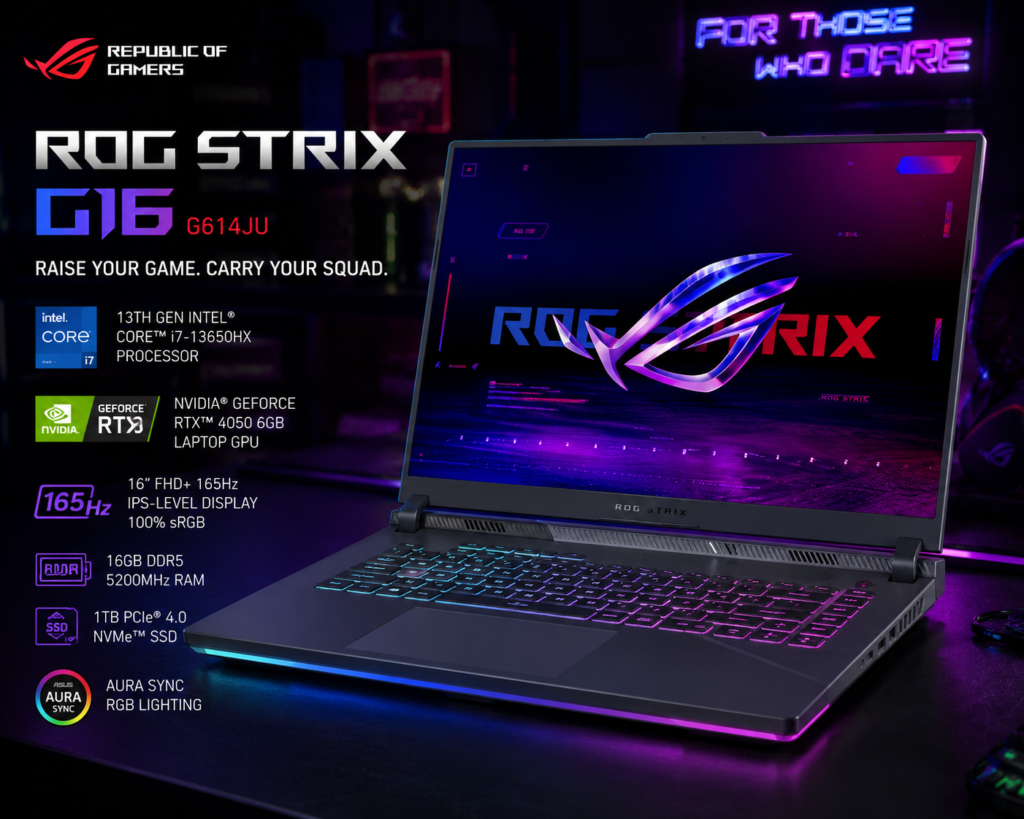
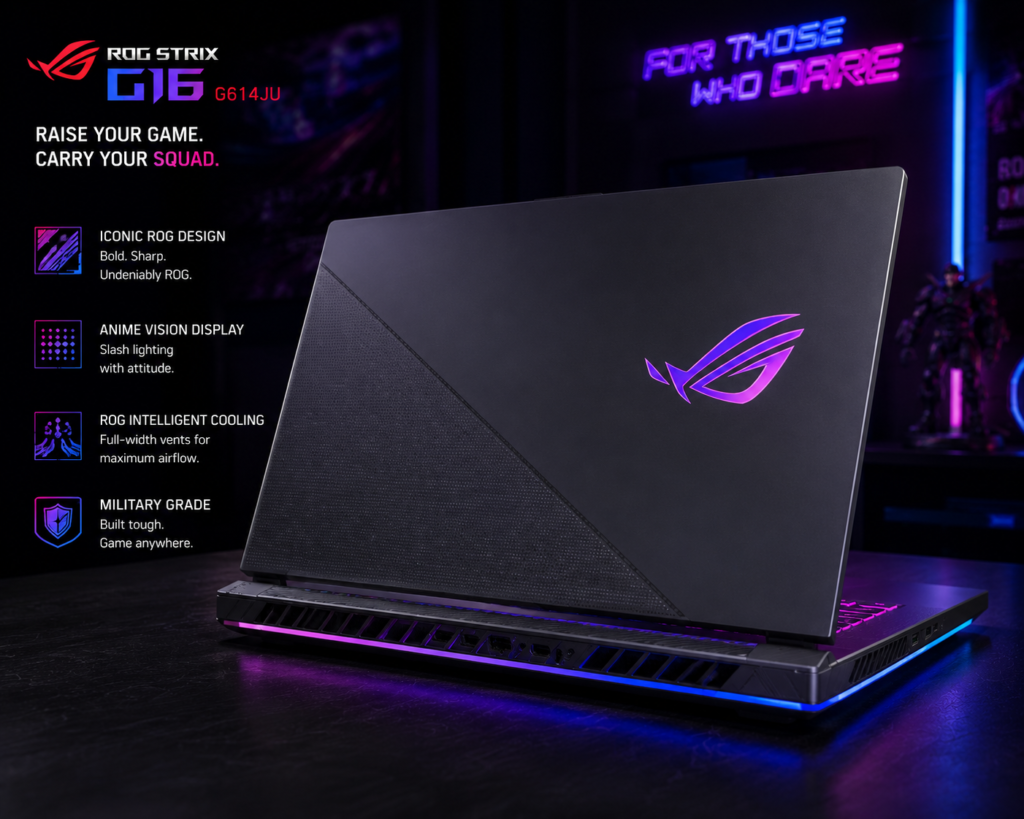
The Asus ROG Strix G16 balances performance, features, and price better than most competitors. The gaming aesthetic is bold but the build quality is solid. The RGB keyboard is functional and comfortable for extended typing sessions.
At 2.5 kg, it’s on the heavier side but the performance justifies the weight. The cooling system is excellent, keeping temperatures manageable during extended gaming or rendering sessions.
Key Specifications
| Category | Specification |
|---|---|
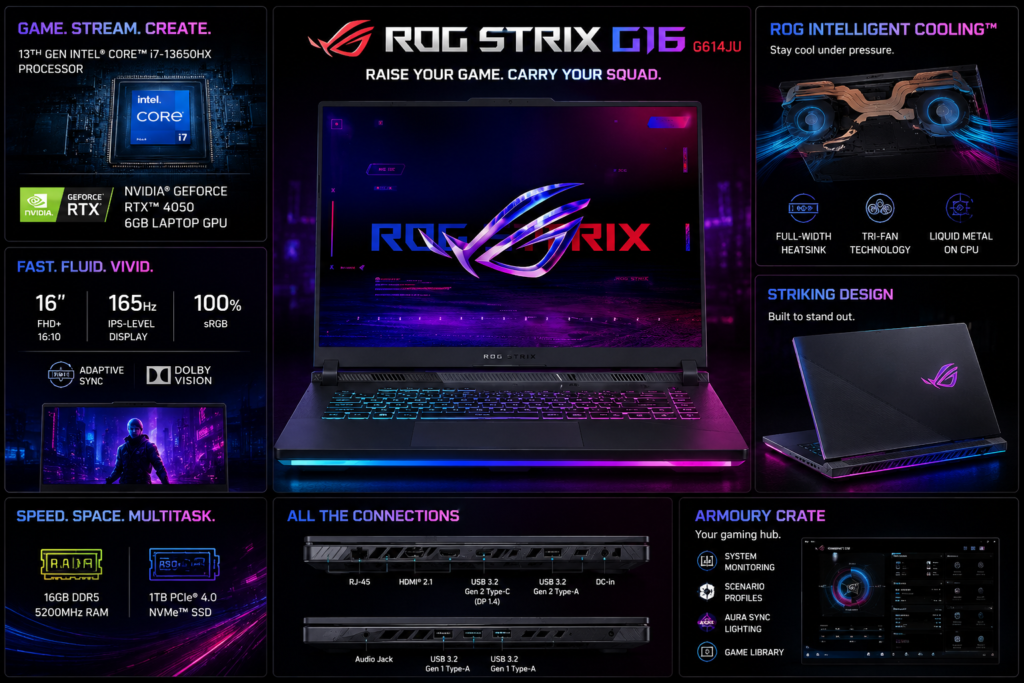
| Processor | Intel Core i7-13650HX (14 cores, up to 4.9 GHz) |
| RAM | 16GB DDR5-4800 (upgradable to 32GB) |
| Storage | 512GB PCIe 4.0 NVMe SSD |
| Display | 16-inch QHD (2560×1440) IPS, 100% sRGB, 500 nits, 240Hz |
| Graphics | NVIDIA RTX 4060 8GB GDDR6 |
| Battery | 90WHr |
| Weight | 2.5 kg |
| Ports | 1x Thunderbolt 4, 3x USB-A, HDMI 2.1, ethernet, 3.5mm audio |
| Operating System | Windows 11 Home |
| Price Range | $1,299 – $1,499 (₹1,10,000 – ₹1,25,000) |
Performance & Real-world Testing
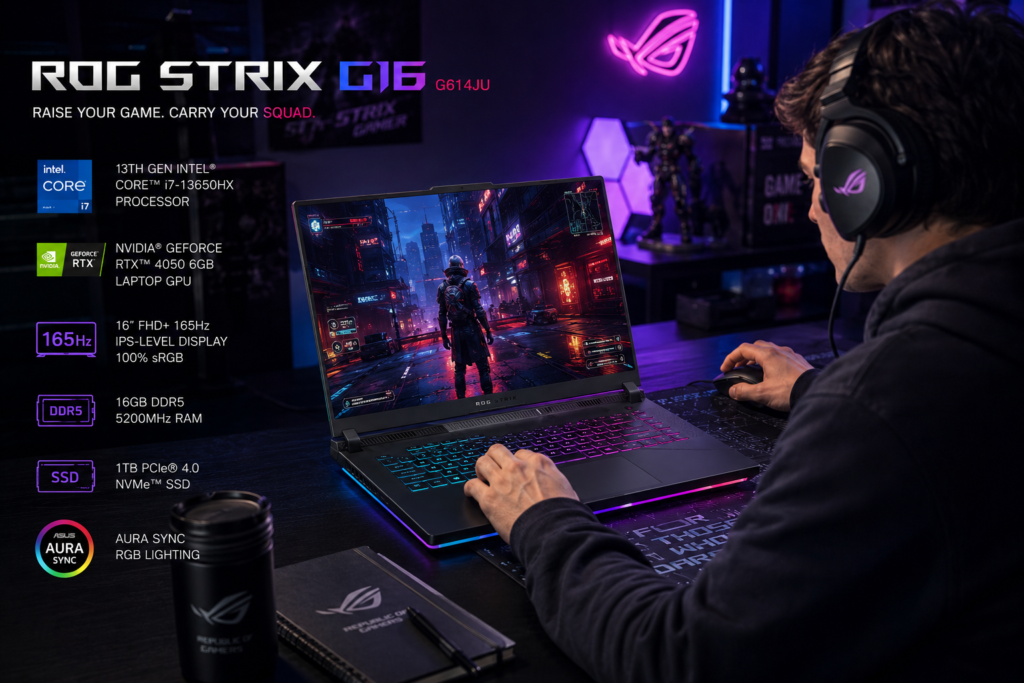
The i7-13650HX with 14 cores delivers excellent performance for compilation and rendering. The RTX 4060 handles gaming and CAD rendering well. Thermal performance is good with the ROG Intelligent Cooling system, though fans can get loud.
Battery life is 6-7 hours for productivity, which is good for a gaming laptop. The QHD 240Hz display is sharp and smooth with excellent color accuracy. The larger 16-inch screen provides more workspace for CAD applications.
Pros
- Excellent price-to-performance ratio
- RTX 4060 with 8GB VRAM for gaming and rendering
- QHD 240Hz display is sharp and smooth
- 14-core i7-13650HX provides strong performance
- 90WHr battery delivers 6-7 hours for gaming laptop
- Excellent cooling system
- Comprehensive port selection including ethernet
Cons
- Heavy at 2.5 kg
- Bulky charger adds to carrying weight
- Fans can be loud under load
- Gaming aesthetic may not suit all environments
- 512GB storage fills up quickly with engineering software
Final Verdict
The ROG Strix G16 is perfect for engineering students who want balanced gaming and productivity performance at a reasonable price. Ideal for computer science, mechanical, and electrical engineering students who need both capabilities.
Rating: 8.6/10
Buy Asus ROG Strix G16 G614JU Now – Check Latest Price —
Comparison Table: Top 10 Laptops for Engineering Students
| Rank | Laptop | Best For | Processor | RAM | GPU | Battery | Weight | Price |
|---|---|---|---|---|---|---|---|---|
| 1 | Asus ProArt P16 | Overall Best | Ryzen 9 7940HS | 32GB DDR5 | RTX 4060 | 7-8 hrs | 1.9 kg | $1,699 |
| 2 | Lenovo Legion 5i Gen 10 | Gaming + Engineering | i7-13700HX | 16GB DDR5 | RTX 4060 | 5-6 hrs | 2.4 kg | $1,399 |
| 3 | Acer Aspire 7 A715-79G | Budget Option | i5-12450H | 8GB DDR4 | RTX 2050 | 5-6 hrs | 1.9 kg | $649 |
| 4 | Asus TUF Gaming A15 | Mid-Range Gaming | Ryzen 7 7735HS | 16GB DDR5 | RTX 4050 | 7-8 hrs | 2.2 kg | $999 |
| 5 | Dell XPS 15 9530 | Premium Ultrabook | i7-13700H | 16GB DDR5 | RTX 4050 | 6-7 hrs | 1.86 kg | $1,799 |
| 6 | HP Victus 16 | Value Gaming | i5-13500H | 16GB DDR5 | RTX 4050 | 5-6 hrs | 2.29 kg | $899 |
| 7 | MacBook Pro 14 M3 Pro | Computer Science | M3 Pro | 18GB Unified | 18-core GPU | 12-14 hrs | 1.6 kg | $1,999 |
| 8 | MSI Prestige 14 AI Evo | Battery Life | Core Ultra 7 155H | 32GB LPDDR5 | Intel Arc | 9-10 hrs | 1.4 kg | $1,299 |
| 9 | Razer Blade 16 | Premium Gaming | i9-13950HX | 32GB DDR5 | RTX 4070 | 5-6 hrs | 2.45 kg | $2,699 |
| 10 | Asus ROG Strix G16 | All-Rounder Gaming | i7-13650HX | 16GB DDR5 | RTX 4060 | 6-7 hrs | 2.5 kg | $1,299 |
Engineering Discipline Recommendations
Computer Science / Software Engineering
- MacBook Pro 14 M3 Pro (best for development)
- Asus ProArt P16 (best Windows option)
- Lenovo Legion 5i Gen 10 (best for gaming + coding)
Mechanical Engineering
- Asus ProArt P16 (best for CAD/CAM)
- Lenovo Legion 5i Gen 10 (best performance)
- Asus ROG Strix G16 (best value)
Civil Engineering
- Asus ProArt P16 (best for AutoCAD, Revit)
- HP Victus 16 (best value for CAD)
- Lenovo Legion 5i Gen 10 (best performance)
Electrical Engineering
- Lenovo Legion 5i Gen 10 (best for simulation)
- Asus TUF Gaming A15 (best mid-range)
- Dell XPS 15 9530 (best portability)
Industrial Engineering
- MSI Prestige 14 AI Evo (best portability + battery)
- Dell XPS 15 9530 (best balance)
- Asus ProArt P16 (best overall)
Buying Guide: How to Choose the Right Laptop for Engineering
Budget Considerations
- Under ₹60,000: Acer Aspire 7
- ₹60,000 – ₹90,000: HP Victus 16, Asus TUF Gaming A15
- ₹90,000 – ₹1,30,000: Lenovo Legion 5i, Asus ROG Strix G16, MSI Prestige 14
- ₹1,30,000+: Asus ProArt P16, Dell XPS 15, MacBook Pro 14, Razer Blade 16
Essential Features to Prioritize
- RAM: Minimum 16GB for engineering software
- Storage: Minimum 512GB SSD (engineering software is large)
- GPU: Dedicated GPU (RTX 4050 or higher) for CAD/3D work
- Display: 100% sRGB, minimum 300 nits brightness
- Battery: Minimum 6 hours for campus use
- Portability: Under 2.5 kg for daily carry
Software Compatibility Check
Before purchasing, verify your engineering program’s software requirements:
- SolidWorks, CATIA: Windows only (no Mac)
- ANSYS: Windows preferred, limited Mac support
- MATLAB: Works on both Windows and macOS
- AutoCAD, Revit: Windows preferred, Mac version available
- Adobe Creative Suite: Works on both
Check Top 10 Laptops Availability & Pricing — INSERT AFFILIATE LINK HERE
Final Verdict
Best Overall: Asus ProArt P16
The Asus ProArt P16 offers the best balance of performance, display quality, portability, and battery life for engineering students across all disciplines. The Ryzen 9 7940HS and RTX 4060 handle any engineering workload, while the 16-inch OLED display is perfect for CAD work.
Best Budget: Acer Aspire 7
For students on a tight budget, the Acer Aspire 7 provides dedicated graphics and solid specifications at under ₹60,000. Upgrade RAM to 16GB immediately for smooth performance.
Best for Computer Science: MacBook Pro 14 M3 Pro
For software engineering and computer science students, the MacBook Pro 14 M3 Pro offers unmatched battery life, build quality, and performance for development work. Verify software compatibility before purchasing.
Best Gaming + Engineering: Lenovo Legion 5i Gen 10
The Legion 5i Gen 10 perfectly balances gaming performance with engineering productivity. The excellent cooling and powerful hardware handle any workload.
Leave a Reply