

Technology | Information | 2026
OLED vs IPS Laptop Displays: Which One Should You Buy in 2026?
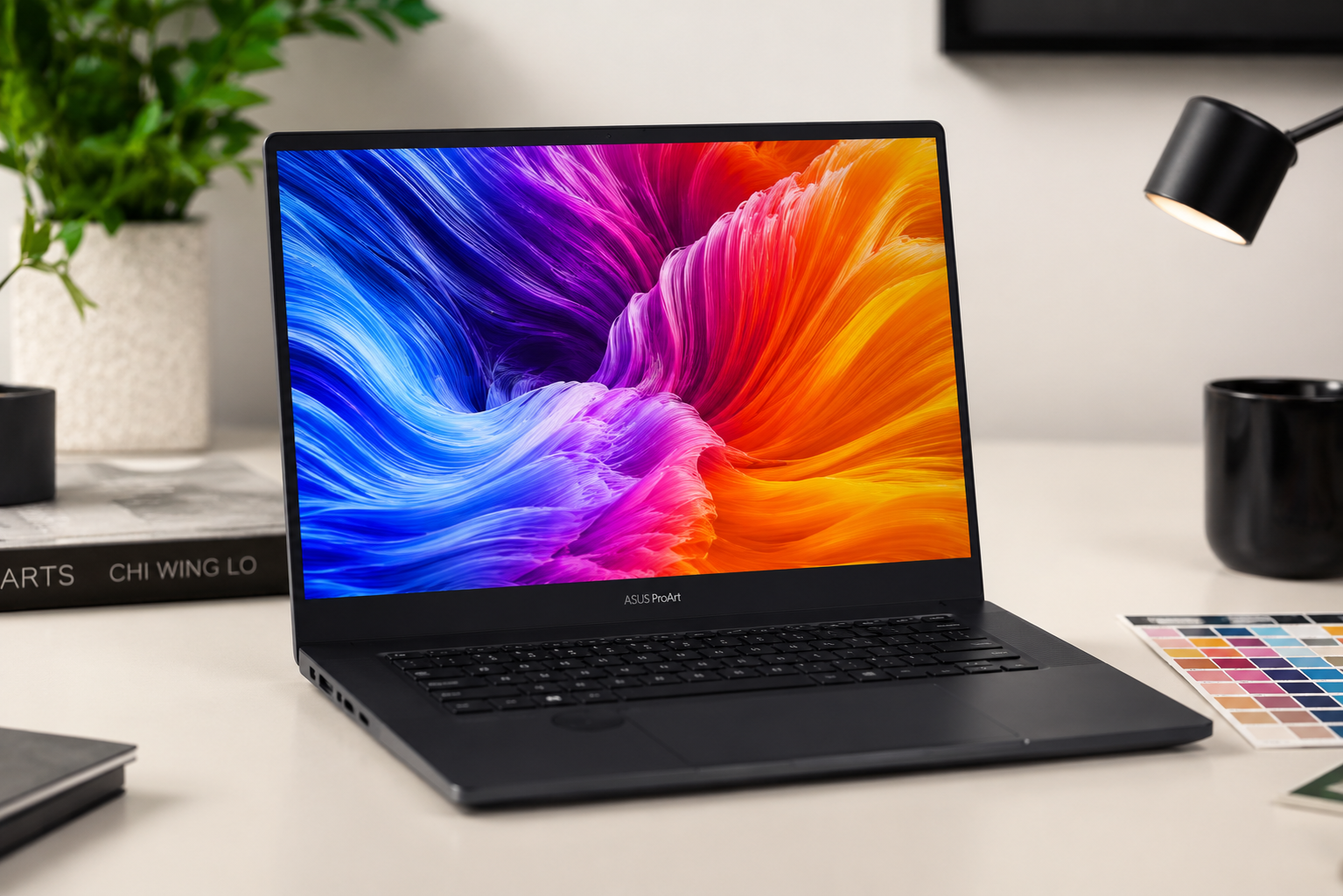
OLED vs IPS laptop displays is one of the most important decisions you will make when buying a new laptop in 2026. Your display directly affects how everything looks — from movies and games to spreadsheets and code. OLED panels deliver stunning contrast with true blacks and vibrant colors, while IPS panels offer reliable brightness, better text clarity, and no burn-in risk. Both technologies have evolved significantly, and choosing the right one depends entirely on how you plan to use your laptop.
In this detailed guide, you will learn the key differences between OLED and IPS displays, their strengths and weaknesses for different use cases, and which one suits your needs best. Whether you are a gamer, content creator, student, or professional, this comparison will help you make an informed decision.

How OLED and IPS Displays Work
Understanding the fundamental difference between these two technologies is essential before making a choice. OLED stands for Organic Light-Emitting Diode. Each pixel in an OLED display produces its own light and can turn off completely to create true black. There is no backlight behind the screen, which means when a pixel is off, it emits zero light. This self-emissive nature is what gives OLED its signature infinite contrast ratio and perfect black levels.
IPS stands for In-Plane Switching, which is a type of LCD technology. IPS displays use a constant LED backlight that shines through liquid crystal cells and color filters to create images. The liquid crystals twist to allow more or less light through each pixel, but the backlight itself remains on at all times. Even when displaying black, some light leaks through, which is why IPS panels cannot achieve true black like OLED.
ℹ️ Did You Know: In 2024, Samsung Display and LG Display shipped over 8.2 million OLED laptop panels globally — a 147% increase year-over-year. This growth reflects improved manufacturing costs and better burn-in mitigation technologies that have made OLED viable for mainstream laptops.
Picture Quality: Contrast, Black Levels, and Color
Contrast and black levels are the most visible differences between OLED and IPS. An OLED display can reach an effectively infinite contrast ratio because its black pixels truly turn off, while bright pixels next to them remain fully lit. This creates stunning depth in movies, games, and HDR content. Dark scenes look genuinely dark rather than dark gray, making horror movies and space scenes incredibly immersive.
IPS panels typically achieve contrast ratios between 1,000:1 and 1,800:1. While this is respectable, blacks appear as dark gray rather than true black, especially in dimly lit rooms. This lower contrast can flatten the image, making content feel less cinematic. However, high-end IPS panels with Mini LED backlighting can improve contrast significantly, though they still cannot match OLED’s per-pixel control and still suffer from haloing around bright objects.
⭐ Key Point: Modern OLED laptop displays now ship with pixel-shifting algorithms, automatic brightness limiter calibration, and factory-applied subpixel aging compensation — features that were absent in early 2020-2022 models. These improvements have made OLED much more practical for daily laptop use.
Brightness and HDR Performance
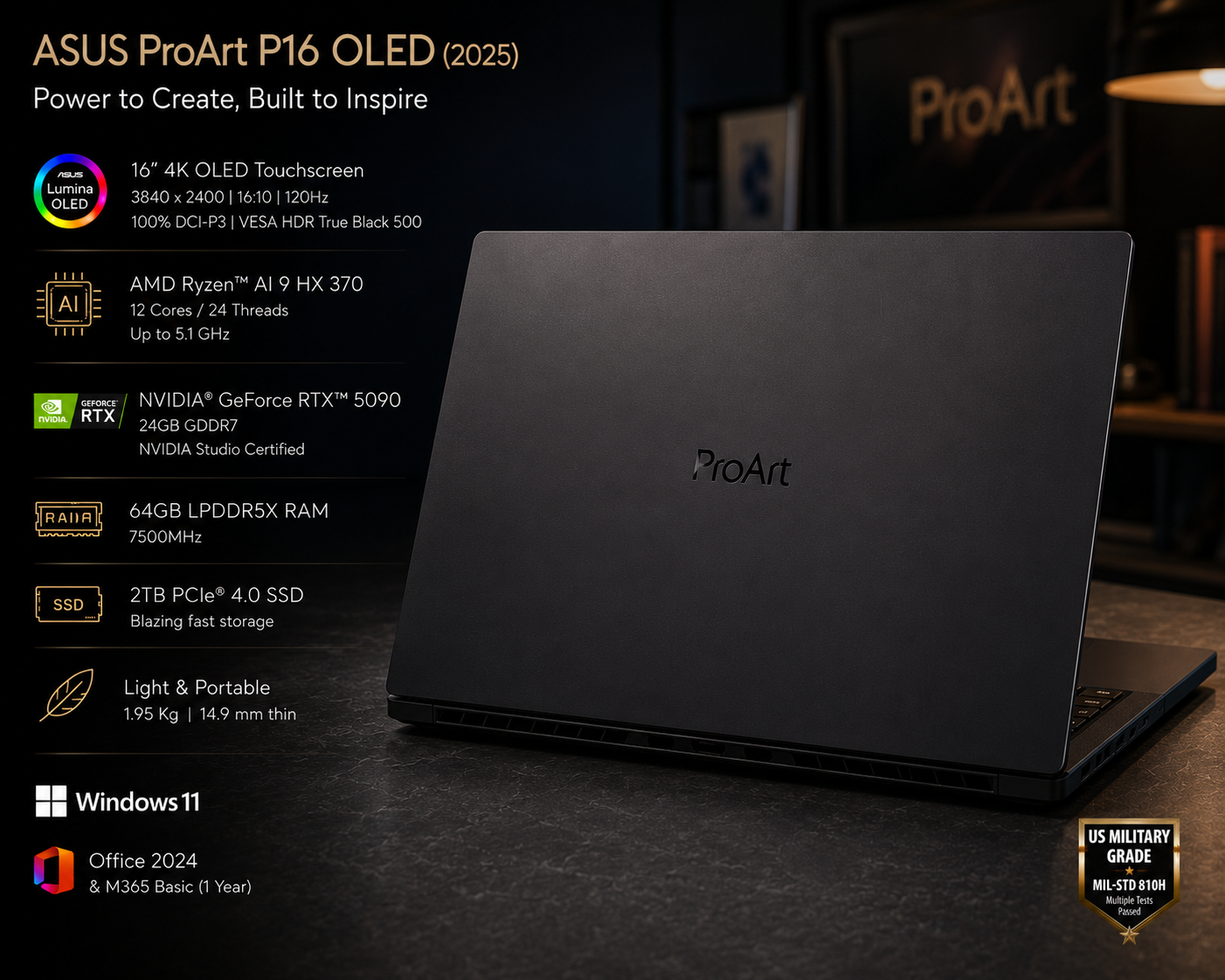
IPS panels generally deliver higher sustained full-screen brightness than OLED displays. High-end IPS laptops can reach or exceed 500 nits across the entire screen, making them ideal for bright offices, outdoor use, and well-lit rooms. This consistent brightness is valuable for productivity work where you need to read documents and spreadsheets comfortably in any lighting condition.
OLED panels can hit very high peak brightness on small highlights for HDR content — specular effects like sunlight reflections, explosions, and neon lights look incredibly punchy. However, when a large percentage of the screen is bright, OLED’s Automatic Brightness Limiter (ABL) reduces overall luminance to protect the panel. A full-white screen on an OLED laptop may only sustain 150-220 nits, which can be noticeable when switching between dark and bright applications.
ℹ️ Did You Know: When evaluating display brightness, always check sustained brightness metrics rather than just peak specs. Peak brightness numbers are often misleading because they only apply to small portions of the screen, not the full display area.
Color Accuracy and Gamut Coverage
Both OLED and IPS panels can deliver excellent color accuracy, but they approach it differently. OLED displays typically cover 99% or more of the DCI-P3 color space with pre-calibration Delta E values of 1.8 or lower. The per-pixel light control allows extremely precise color reproduction, making OLED the preferred choice for professional photo editing, video grading, and design work where color fidelity is critical.
IPS panels have a long history as the default choice in professional environments due to their stable and predictable color behavior. Well-calibrated IPS displays cover around 90-95% of DCI-P3 and maintain consistent color across the entire panel. This stability is essential for print workflows and design projects where colors must remain accurate at different brightness levels. Without careful calibration, some OLED panels can appear slightly oversaturated, which looks pleasing for entertainment but may not be ideal as a reference monitor.
Response Time and Gaming Performance
OLED displays have a near-instantaneous response time of 0.1 ms or less, which virtually eliminates motion blur in fast-paced games. This makes OLED the clear winner for competitive gaming and any title with rapid camera movement. The difference is immediately noticeable in first-person shooters, racing games, and esports titles where every frame counts. Ghosting and smearing — common issues on LCD panels — simply do not exist on OLED.
IPS panels have improved significantly, with modern gaming laptops advertising 3-5 ms response times and high refresh rates up to 240Hz or even 360Hz. While these numbers are impressive, IPS transitions are still measured in milliseconds, so motion can appear slightly less crisp than on an equivalent OLED panel. For casual gamers and most AAA titles, the difference is minimal. However, competitive esports players may notice the advantage OLED provides.
⭐ Key Point: One downside of OLED for gaming is VRR flicker. When variable refresh rate is enabled and frame rates fluctuate significantly, OLED panels can exhibit distracting flicker in dark scenes. This is less common on IPS displays, making them a safer choice if your GPU cannot maintain stable frame rates.
Burn-In Risk and Long-Term Durability
Burn-in is the biggest concern with OLED laptop displays. It occurs when static elements like taskbars, browser tabs, or application icons remain in the same position for thousands of hours, causing permanent phosphor degradation. Modern OLED laptops include mitigation features like pixel orbiting, dynamic refresh rate adjustment, and auto-dimming of static zones. However, users who run IDEs, spreadsheets, or dashboards for extended periods should still expect measurable luminance delta after 18-24 months of heavy use.
IPS panels do not suffer from burn-in because their backlight and liquid crystal structure are not permanently altered by static content. This makes IPS the safer and more worry-free option for productivity-focused users who spend most of their time in office applications, coding environments, or browsing. An IPS display will maintain consistent performance for 5-7 years or more without any special precautions.
⚠️ Important: If your primary use involves static UI elements for 8+ hours daily — such as programming, data analysis, or document editing — IPS is strongly recommended over OLED to avoid burn-in risk.
Text Clarity and Eye Comfort
IPS panels generally provide sharper text rendering due to their traditional RGB subpixel layout, which is optimized for desktop operating systems. This makes IPS the preferred choice for programmers, writers, analysts, and anyone who reads text for long hours. The consistent subpixel structure ensures that fonts appear crisp and clear without color fringing or edge softness.
OLED text clarity can vary depending on the subpixel structure. Some OLED panels use non-traditional layouts that can cause slight color fringing around fine text, particularly at lower pixel densities. This is more noticeable on QD-OLED panels than WOLED panels. At higher resolutions like 4K, the difference becomes negligible. Many modern OLED laptops now include TUV Rheinland certification for flicker-free viewing and low blue light emission, making them comfortable for extended use.

Power Consumption and Battery Life
Power consumption varies significantly between OLED and IPS depending on content. OLED panels are more efficient when displaying dark or mixed content because black pixels draw virtually no power. This makes OLED ideal for dark mode interfaces, media playback with black bars, and nighttime use. Users who primarily work in dark environments may see better battery life with OLED.
However, when displaying bright, full-screen content like web pages and documents with white backgrounds, OLED panels can consume more power than IPS equivalents. This is because many pixels must emit light at high brightness simultaneously. IPS backlights draw a consistent level of power regardless of content, making energy use more predictable. For typical productivity work with lots of white backgrounds, IPS generally offers better battery life.
Which Display Should You Choose?
Your choice should depend entirely on how you use your laptop. Here is a clear breakdown for Indian buyers in 2026:
| Choose OLED If | Choose IPS If |
|---|---|
| You watch movies and stream content frequently | You work in bright offices or outdoors |
| You play visually rich single-player games | You spend 8+ hours daily in productivity apps |
| You do photo or video editing professionally | You need the longest possible battery life |
| You prioritize contrast and color vibrancy | You want a display that lasts 5+ years worry-free |
| You use dark mode for most applications | You need the sharpest text for coding or writing |
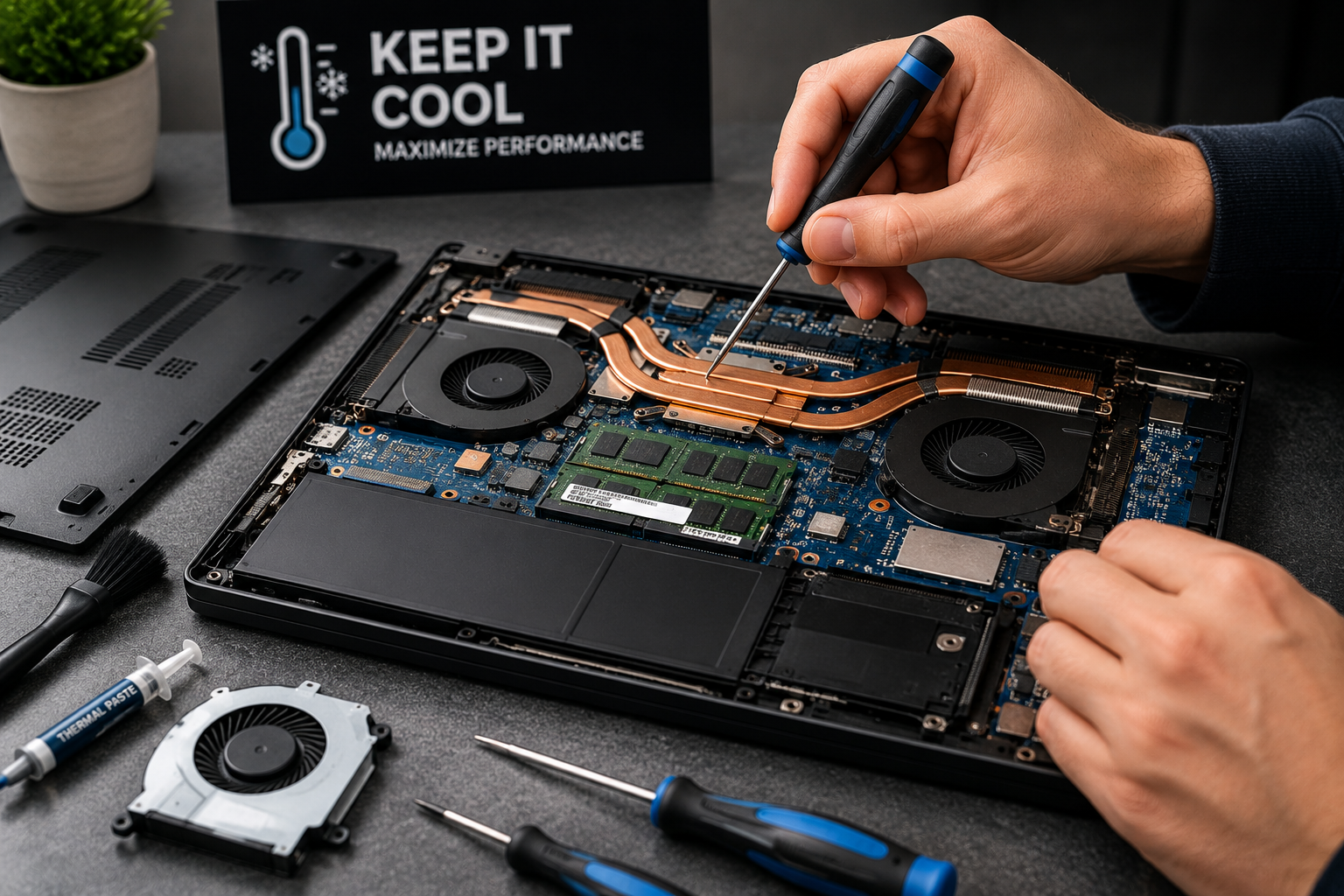
📄 Also Read: How to Reduce Laptop Heating While Gaming — 2026 Guide — Learn proven methods to keep your gaming laptop cool, whether it has an OLED or IPS display.
Frequently Asked Questions
Q: Is OLED better than IPS for laptop gaming?
A: OLED is better for visually rich single-player games due to its infinite contrast, true blacks, and instant response time. However, IPS may be better for competitive esports because high-refresh IPS panels (240Hz+) are more common, and IPS does not suffer from VRR flicker in dark scenes. If your GPU cannot maintain stable frame rates, IPS is the safer choice.
Q: How long do OLED laptop displays last before burn-in?
A: With modern pixel-shifting and brightness limiter technologies, noticeable burn-in typically appears after 2,000-3,000 hours of displaying static content at high brightness. For average users who mix content types, an OLED laptop should last 4-5 years without significant burn-in. Heavy productivity users with static UIs may see issues sooner.
Q: Does OLED drain laptop battery faster than IPS?
A: It depends on content. OLED is more efficient with dark content and dark mode interfaces because black pixels use no power. However, with bright full-screen content like documents and web pages, OLED can consume more power than IPS. For typical mixed usage, the difference is small, but productivity-heavy users may see better battery life with IPS.
Q: Is IPS good enough for professional photo editing?
A: Yes, high-end IPS panels with 100% sRGB or 95%+ DCI-P3 coverage are widely used in professional studios. IPS offers stable, predictable color behavior that remains consistent over years. However, OLED provides superior shadow detail and contrast that can reveal subtle gradations in dark scenes. Many professionals use IPS as their primary monitor and OLED as a reference for HDR grading.
Q: Which display is better for students in India?
A: IPS is generally the better choice for students. It offers longer lifespan, no burn-in risk with static study materials, better battery life for all-day campus use, and lower cost. OLED only makes sense for students in design, film, or gaming programs where color accuracy and contrast are essential to their coursework. For coding, writing, and research, IPS is the practical option.
Conclusion
Neither OLED nor IPS is universally better — the right choice depends entirely on your usage pattern. OLED displays deliver unmatched picture quality with perfect blacks, infinite contrast, and vibrant colors, making them ideal for media consumption, creative work, and immersive gaming. However, they come with burn-in risk, lower sustained brightness, and potential eye strain from PWM flicker at low brightness.
IPS displays remain the reliable workhorse for productivity, offering consistent brightness, sharp text, no burn-in risk, and better battery life for typical work scenarios. They are the safer long-term investment for professionals, students, and anyone who spends most of their time in office applications. In 2026, both technologies have matured significantly, and you cannot go wrong with either — as long as you choose the one that aligns with how you actually use your laptop.
Content Disclosure: This content was produced with AI assistance and human review to ensure accuracy, fairness, and helpfulness for our readers.


Leave a Reply